
Snowflakes
Drop a wintery snowfall onto any storefront page
Made by Orbit Commerce, built and supported by Orbit
Opens your Orbit dashboard to confirm.
Free to install. Remove it any time.
No Orbit store yet? Start for free
- Price
- Free
- to install
- After install
- Snowflakes
- in your dashboard menu
- Listed
- May 2026
- version 1.0.0
About
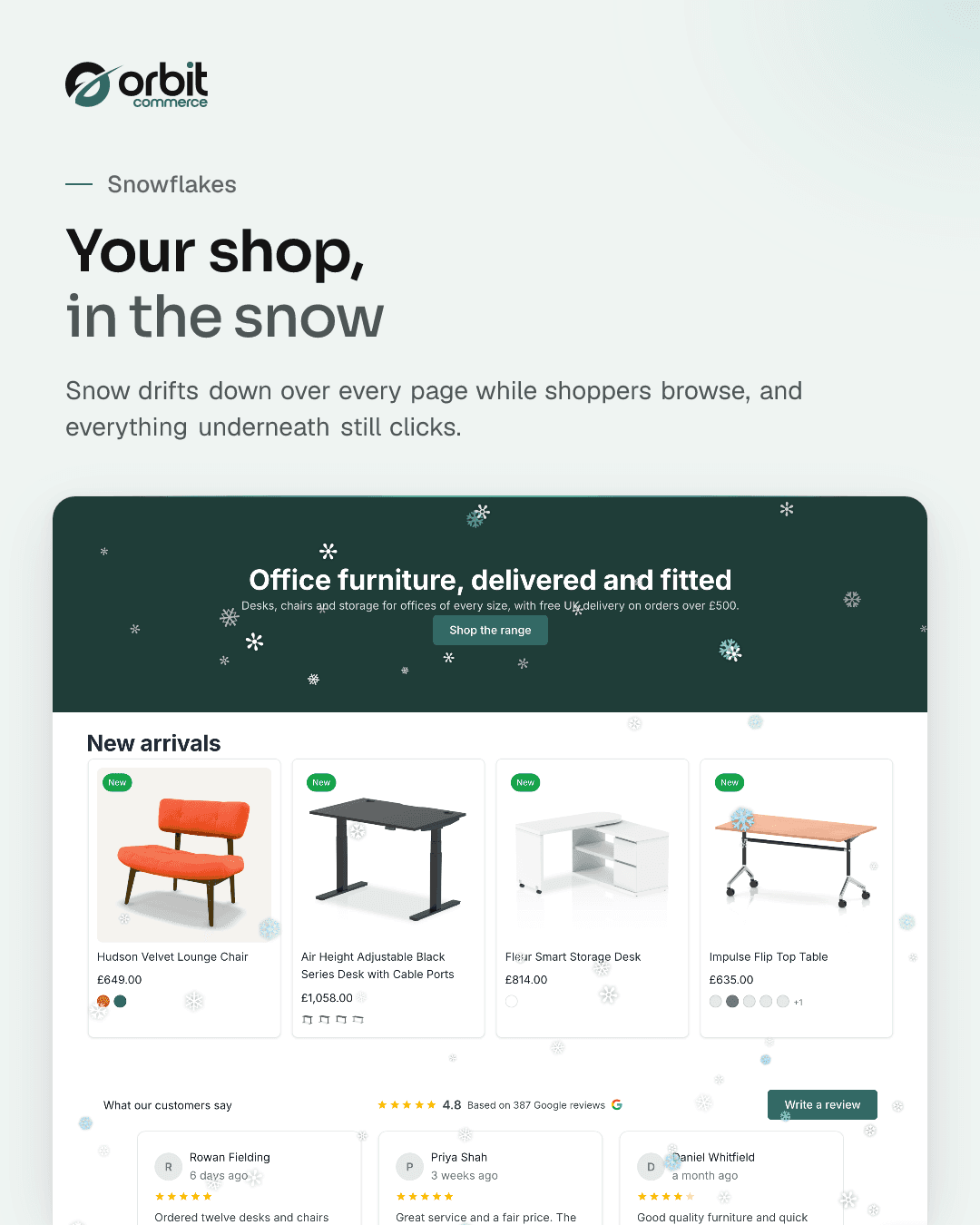
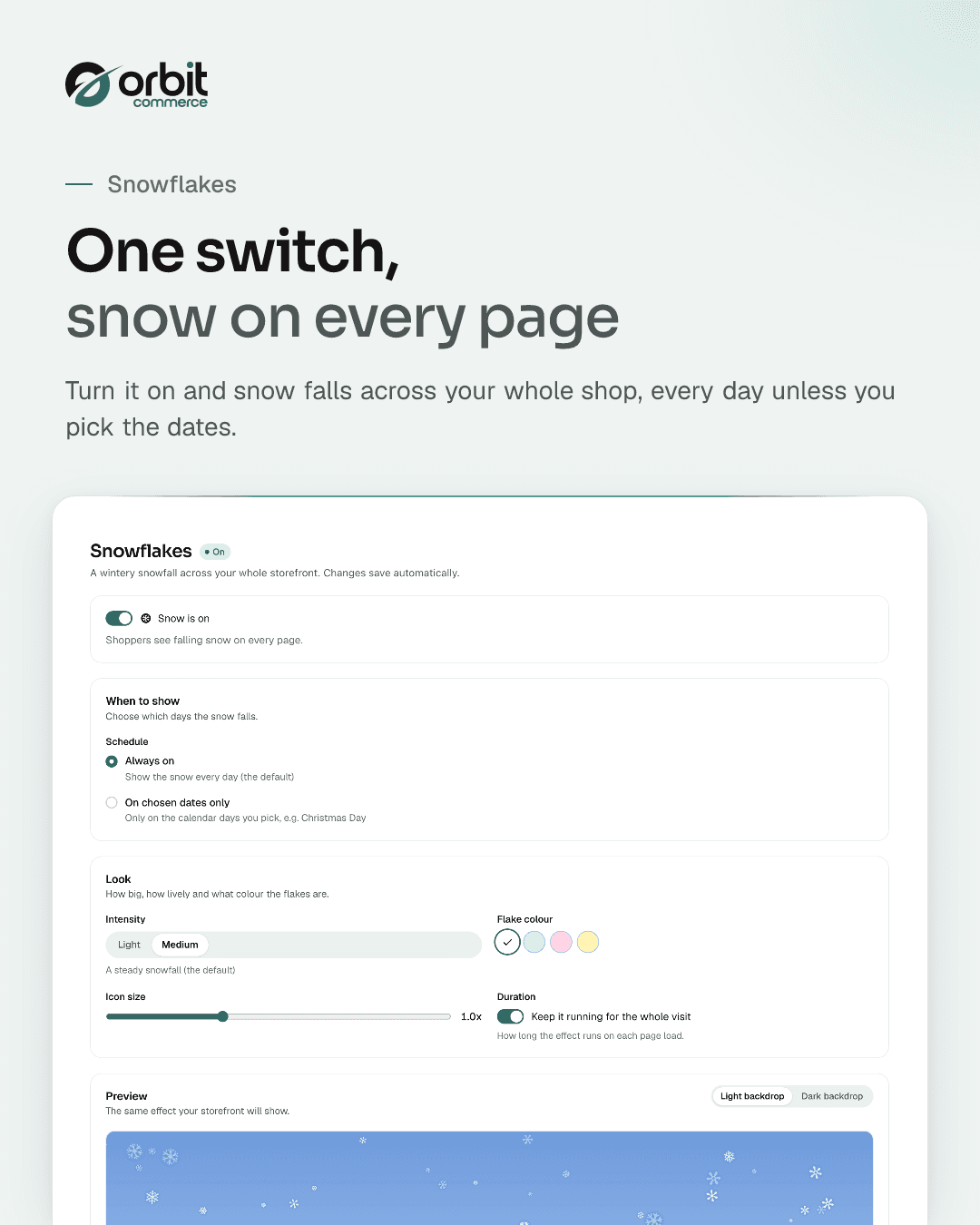
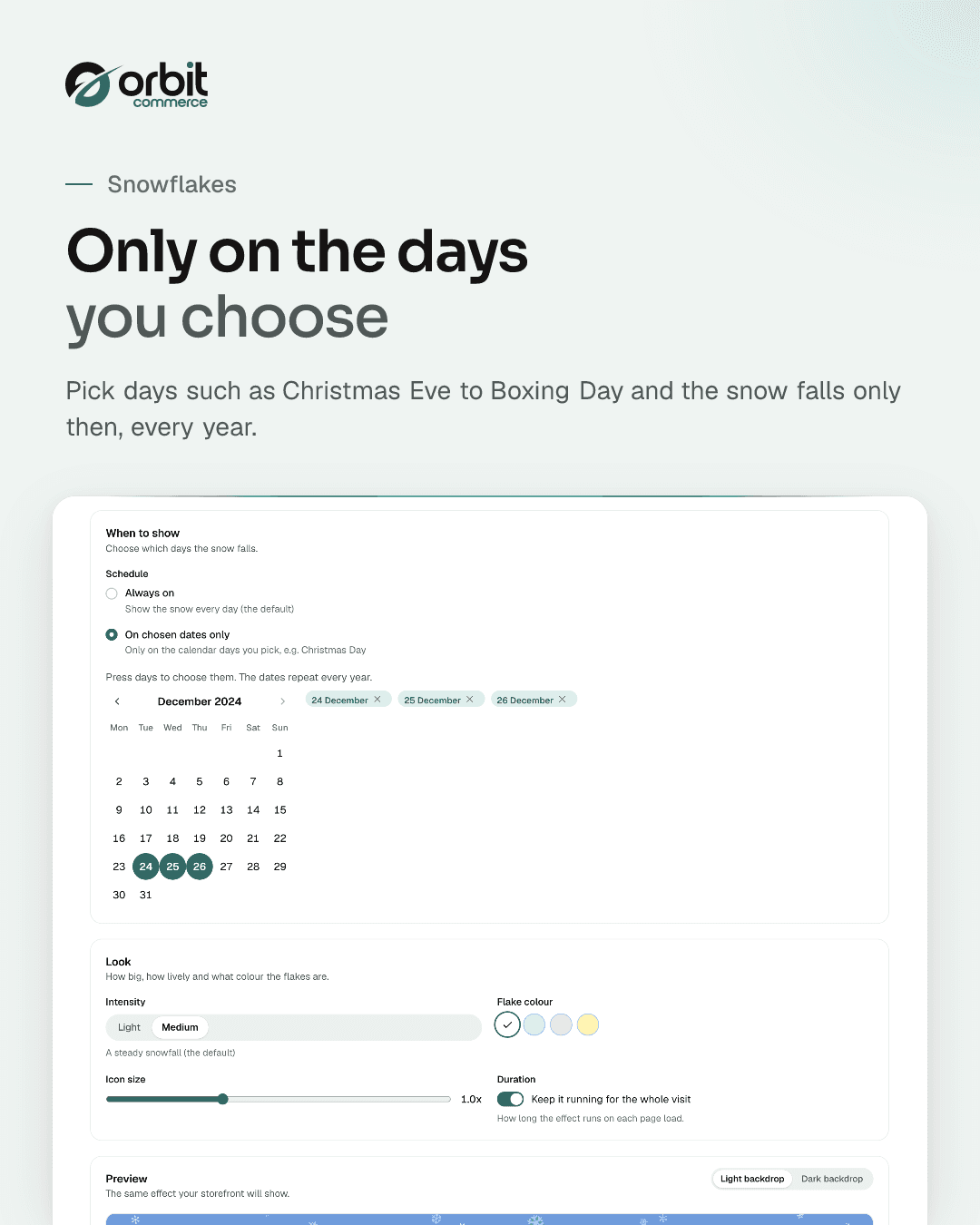
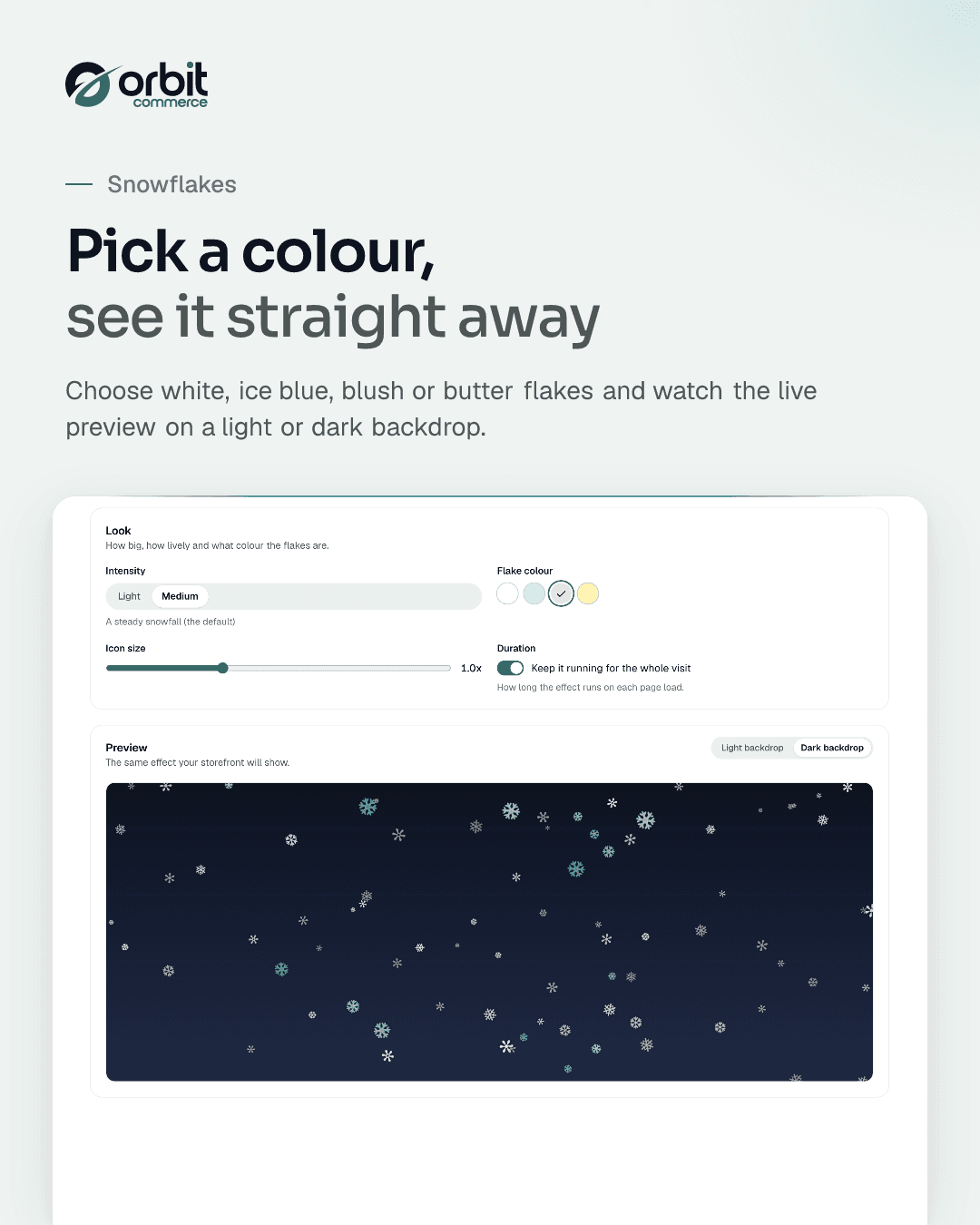
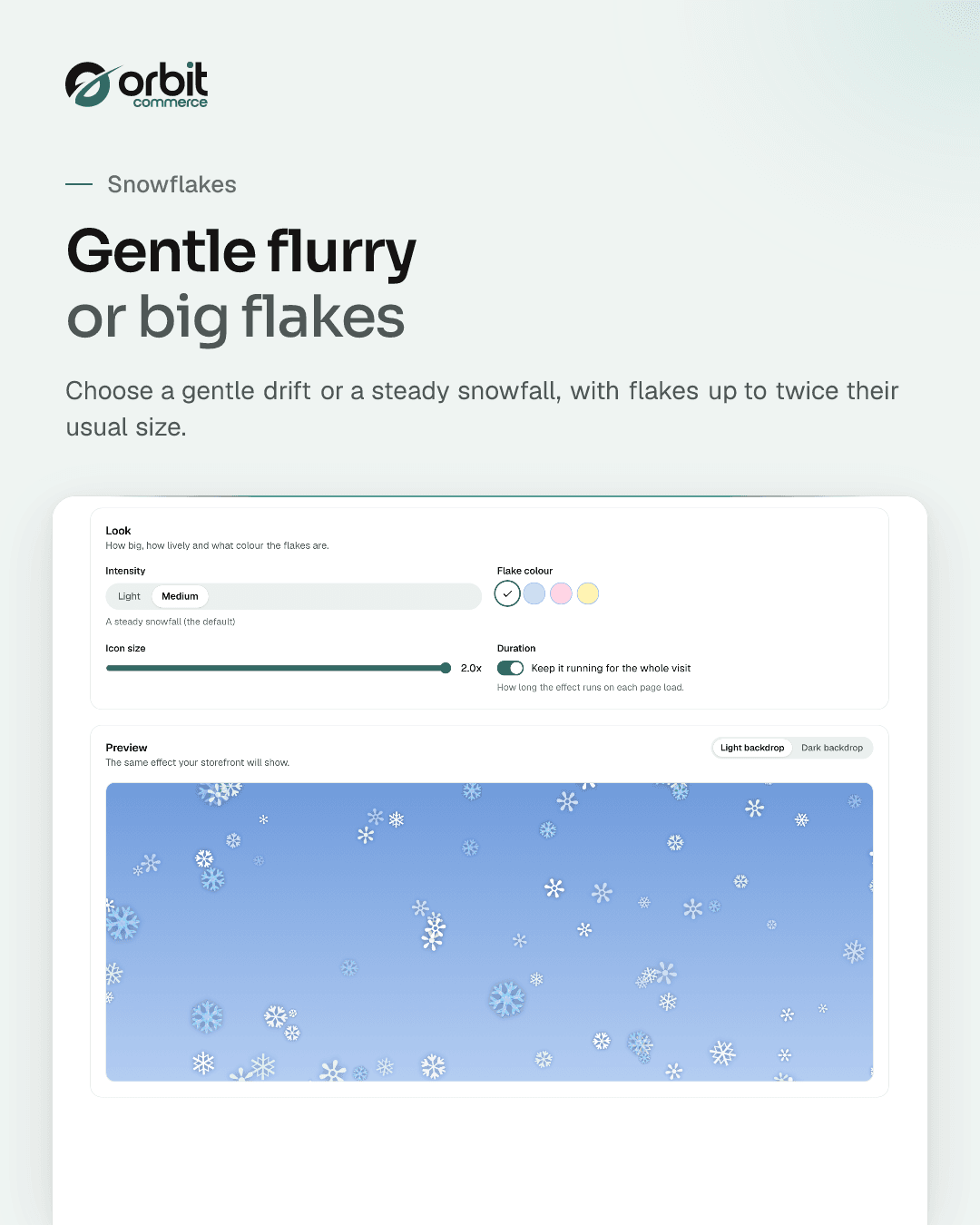
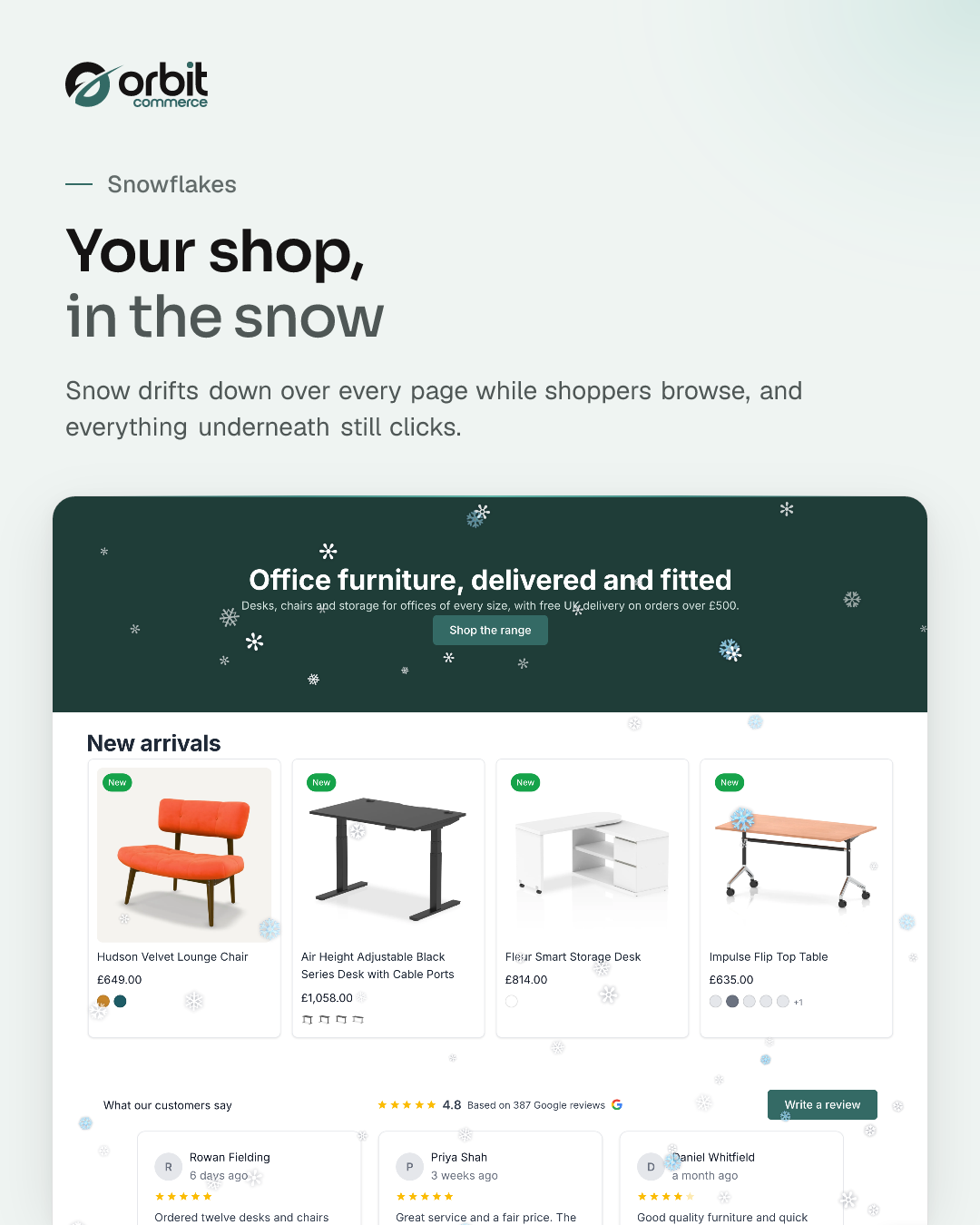
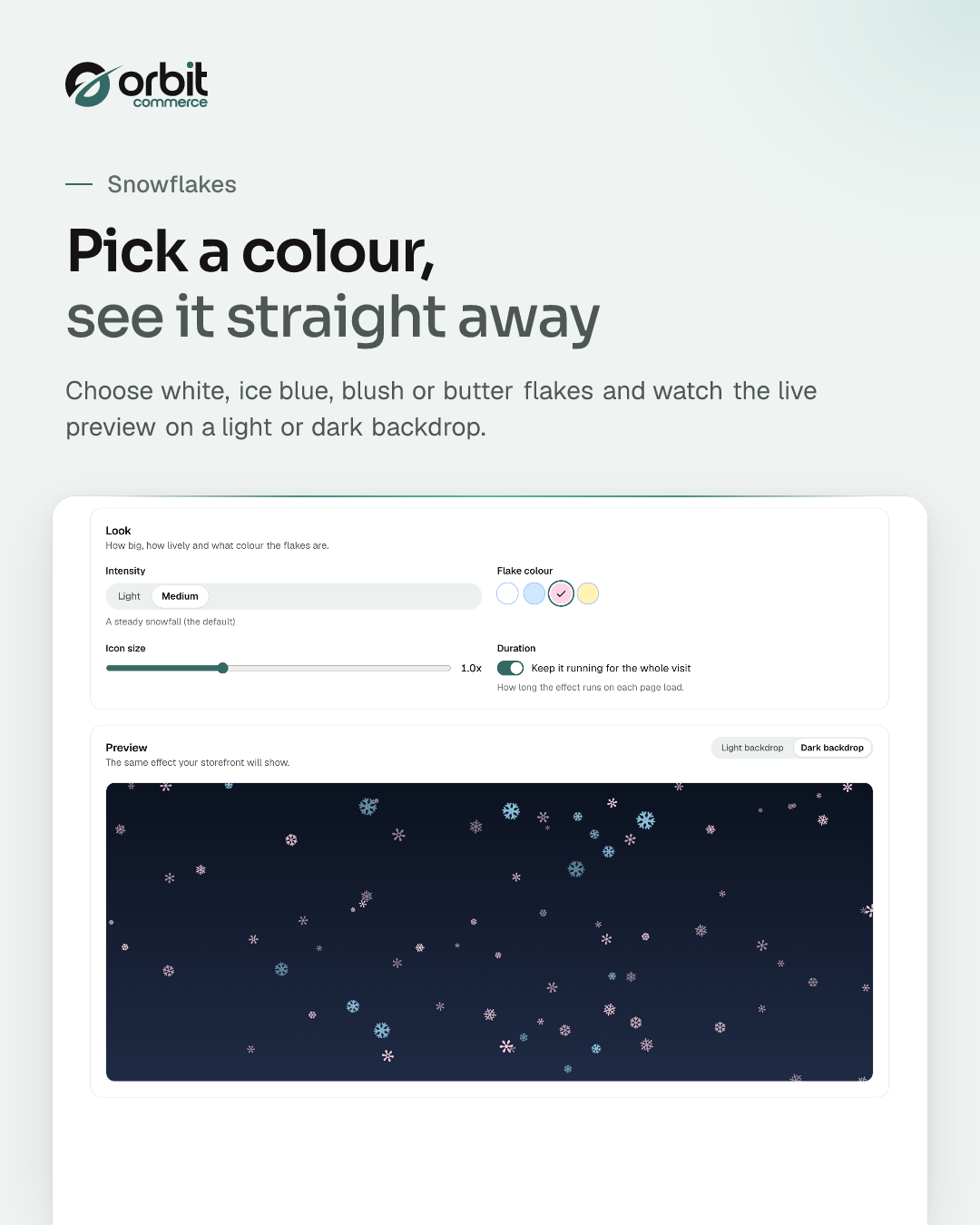
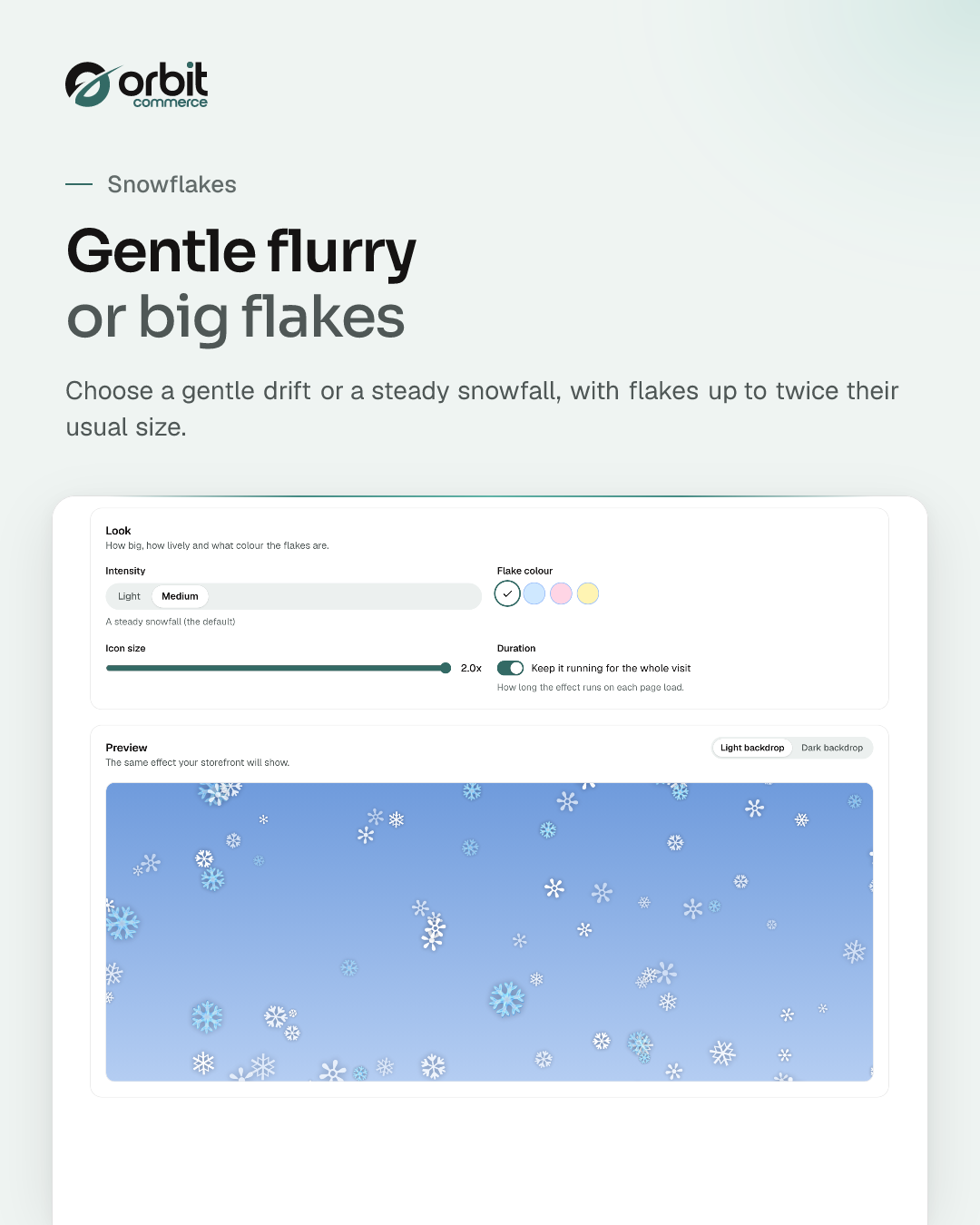
Drop a wintery snowfall across your storefront. Choose light or medium intensity, the flake size and whether it shows every day or only on dates you pick, with a live preview in your dashboard. Flakes anchor to page coordinates so they track scroll naturally rather than feeling glued to the viewport, and the snow never blocks clicks or scrolling.
What you get
- Light and medium intensity
- Adjustable flake size
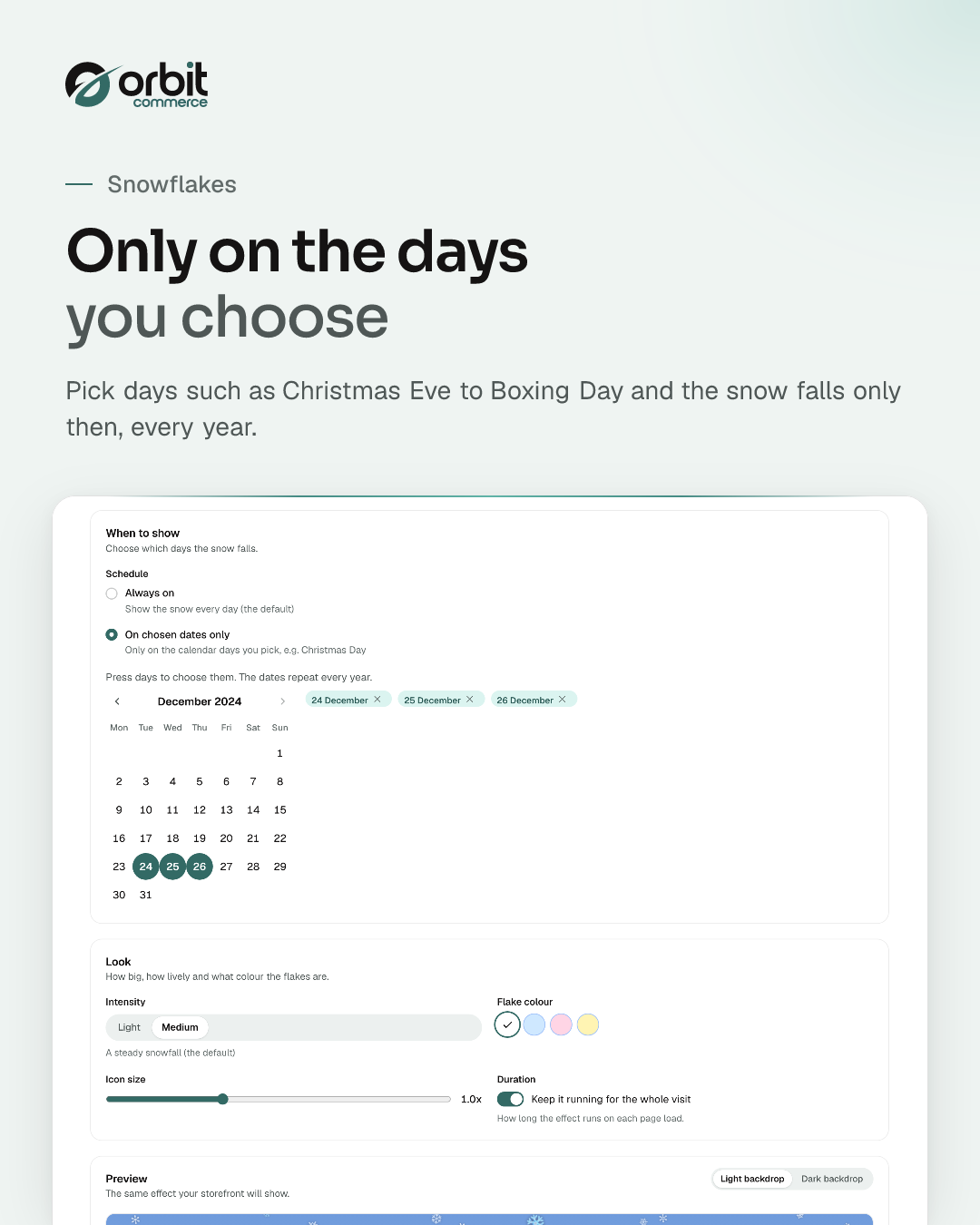
- Show every day or on dates you choose
- Page-coordinate anchoring (no viewport drift)
- Global storefront overlay support
- Live preview in your dashboard
Getting started
From the Snowflakes docs.
- In your dashboard, open the plugin store and install Snowflakes.
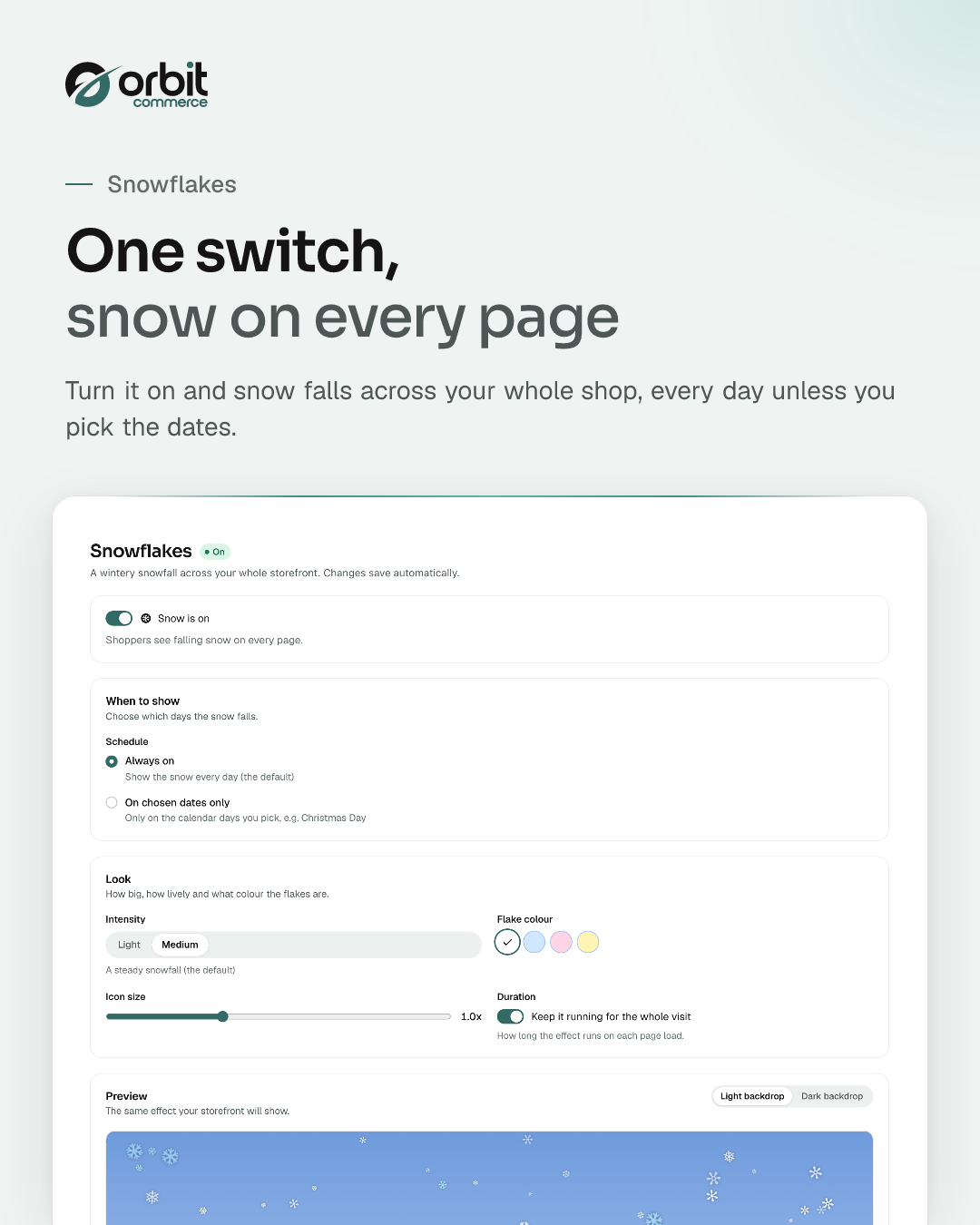
- Open the Snowflakes entry in your dashboard menu. The page shows a live preview next to the settings.
- Choose the intensity, the icon size and when the snow shows. Changes save automatically.
- Use the switch at the top of the page to turn the snow on. While it reads Snow is ON, shoppers see falling snow on every page of your storefront.
Questions
More in Store design




Open your shop. Add Snowflakes.
Every plan starts with a two-week trial, and plugins install on any plan, so Snowflakes can be there from day one.