
3D Product Configurator
Interactive 3D product viewer that switches finish when shoppers pick an option
Made by Orbit Commerce, built, supported and billed by Orbit
Opens your Orbit dashboard to confirm.
No card needed for the trial. If you do not subscribe when it ends, you are not charged.
No Orbit store yet? Start for free
- Free trial
- 14 days
- no card needed
- Listed
- Jun 2026
- version 1.0.0
About
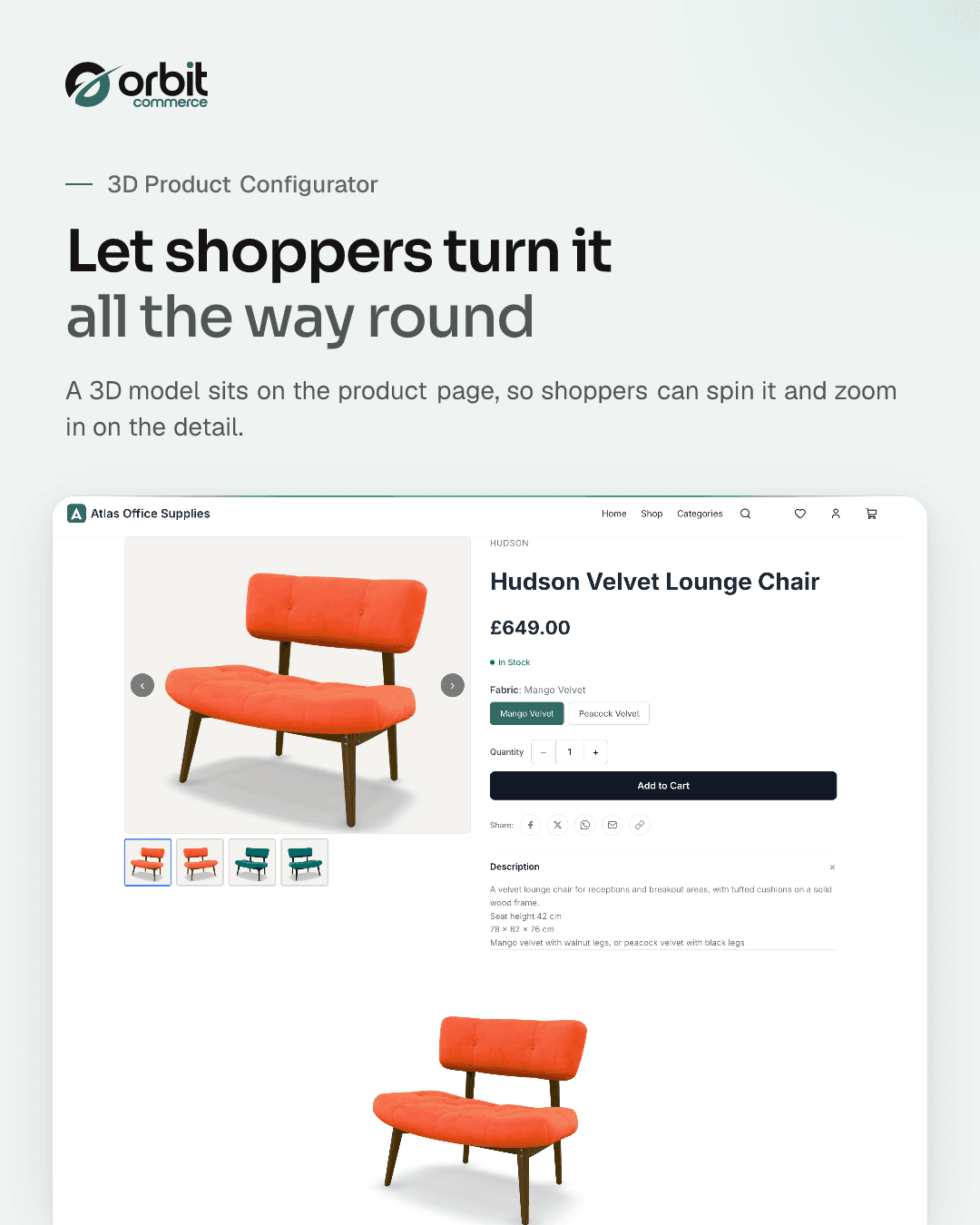
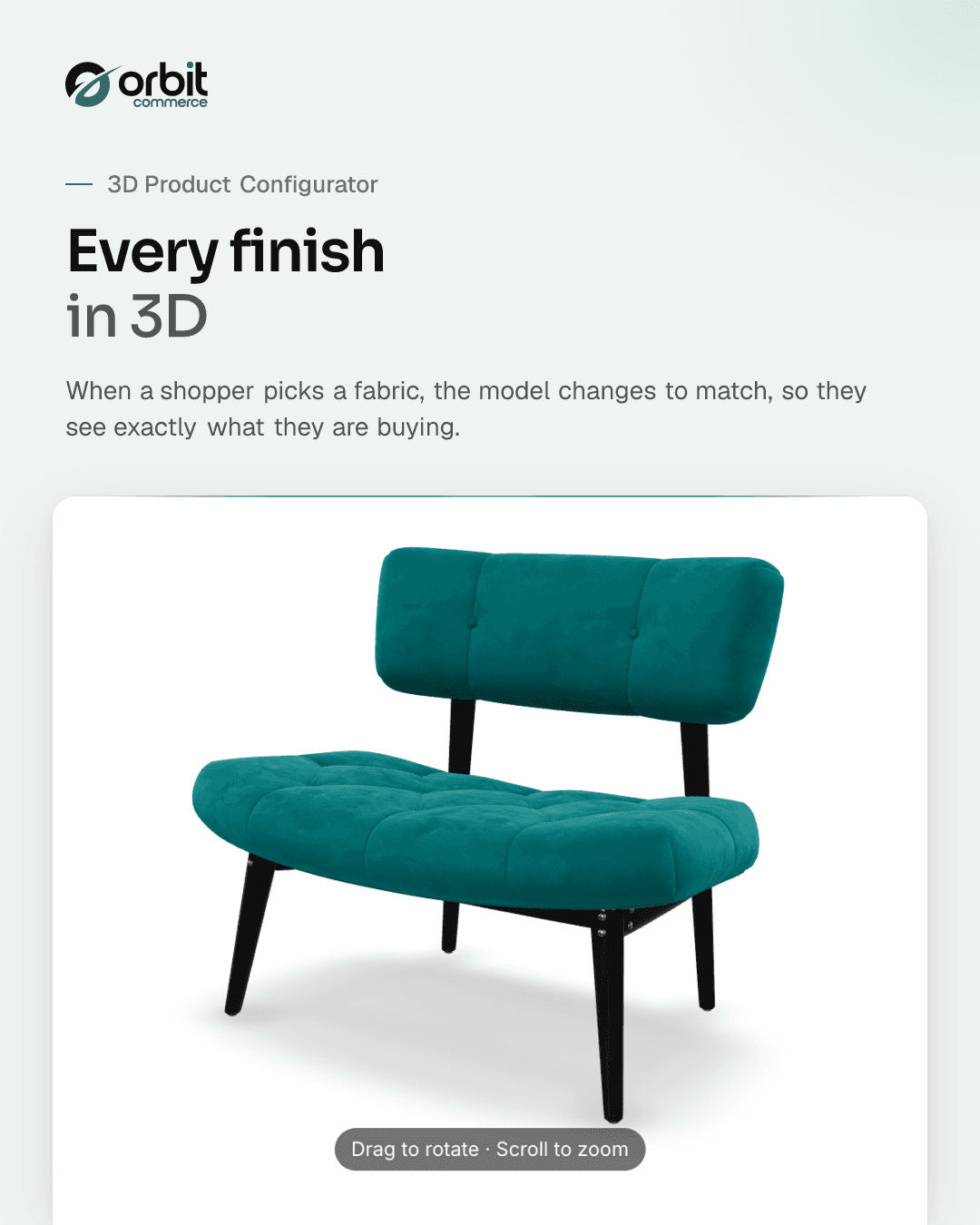
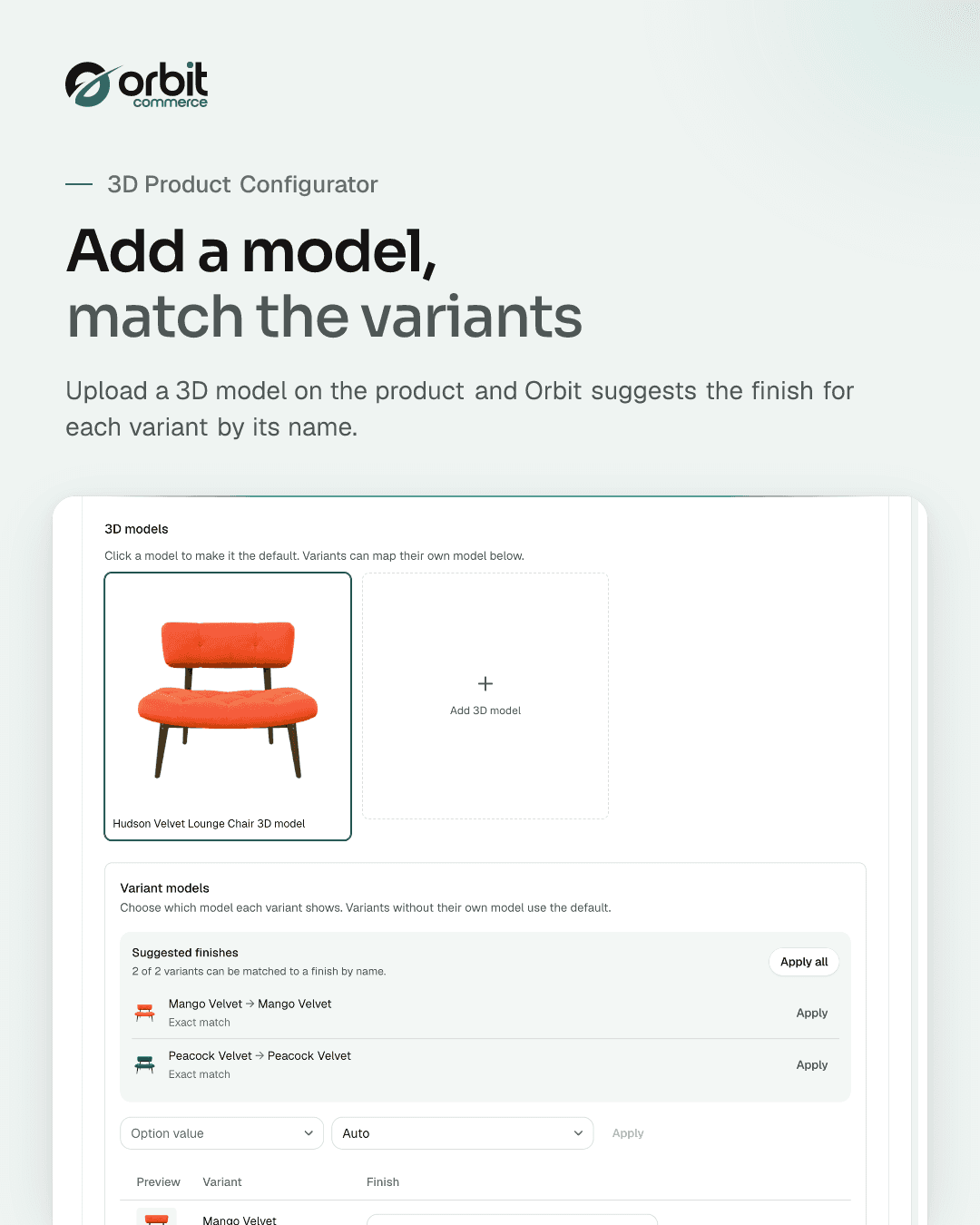
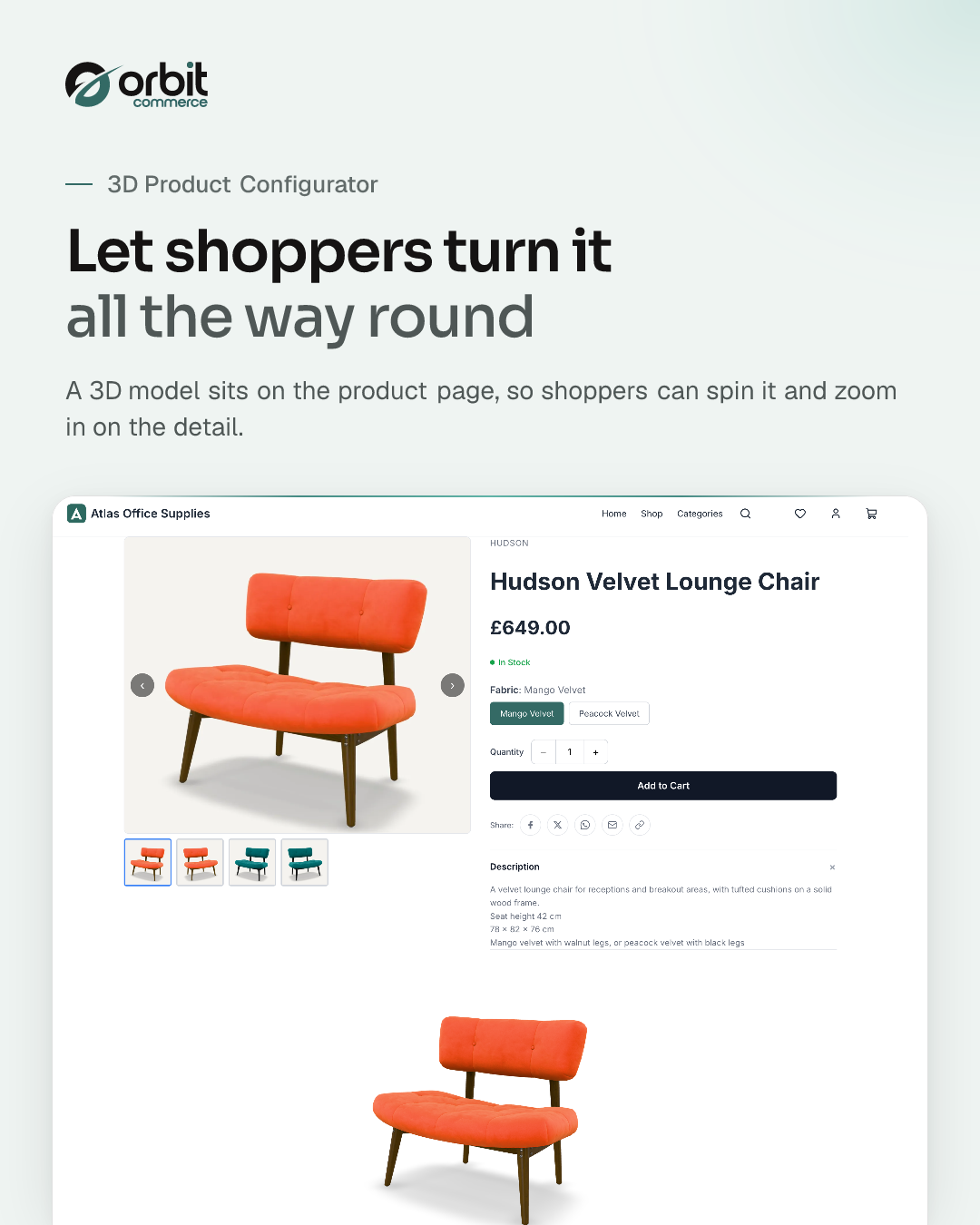
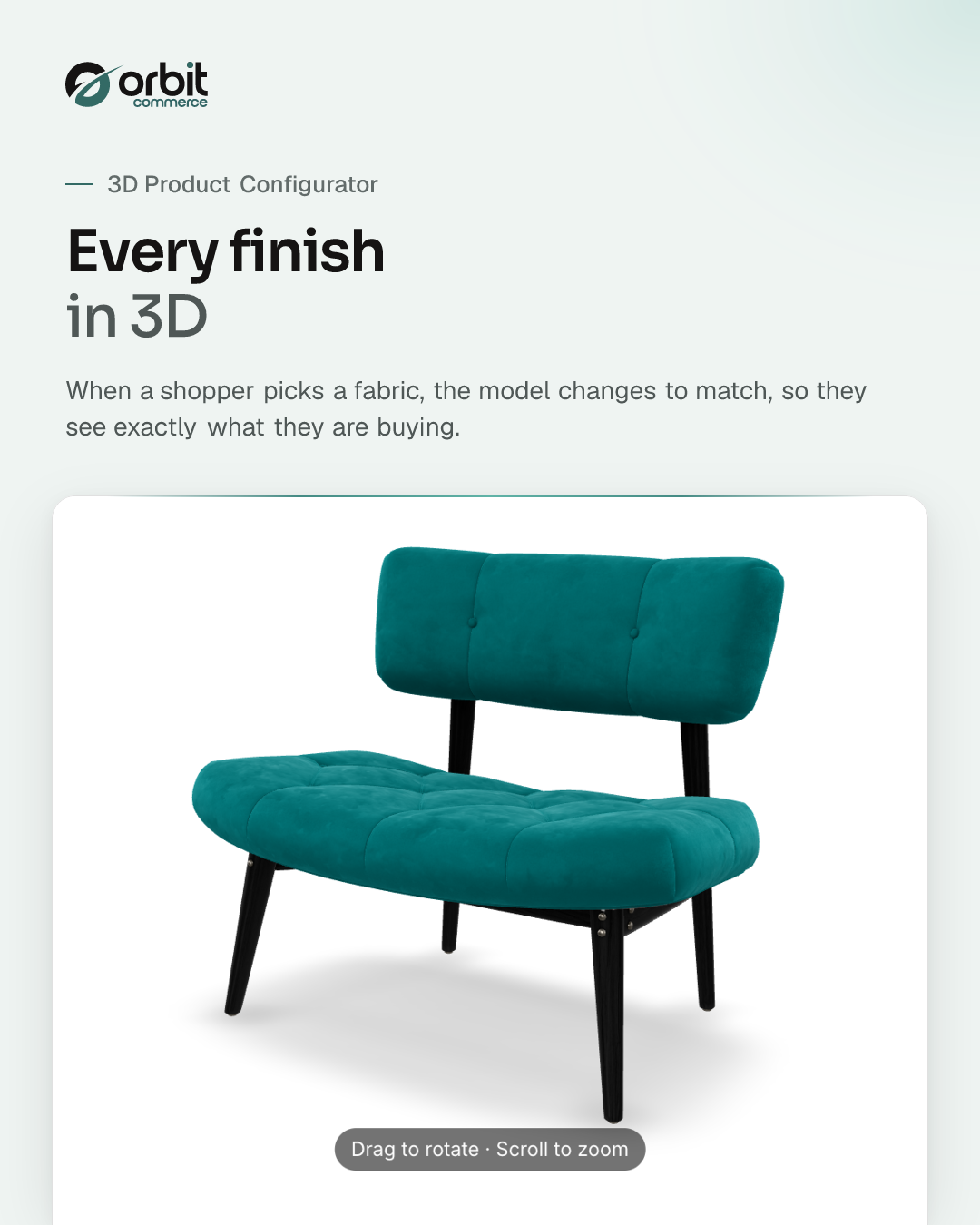
Show shoppers an interactive 3D model of your product on its product page. They can turn the model round and zoom in, and when they pick an option such as a colour or a finish, the model switches to match. Upload a GLB model to a product, choose which finish or model each variant shows (matching names do much of this for you), then add the "3D Configurator" element to your product page in the page builder. Built on the open glTF web standard, so there is nothing for your shoppers to install. It works in the browser.
What you get
- Interactive 3D viewer to turn and zoom the model
- Live finish switching tied to your product options
- Works with your existing options and variants
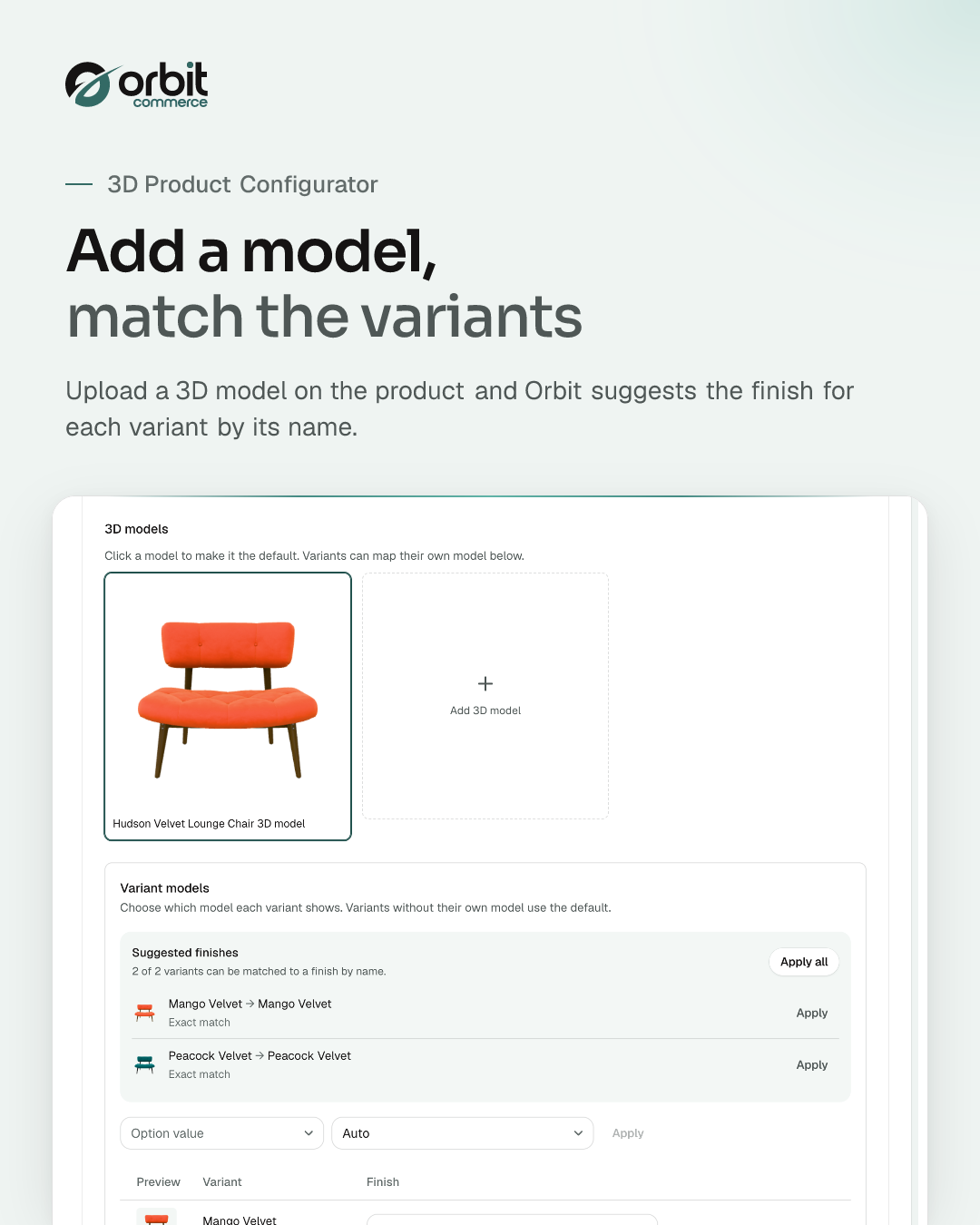
- Auto-maps option values to model finishes by name
- Suggested finish matches where names differ
- Choose a model and finish for each variant
- 3D Configurator and Product Media page builder elements
- Open glTF standard with GLB model uploads
Getting started
From the 3D Product Configurator docs.
- Install the plugin. Add the 3D Product Configurator from the plugin store. Its plans and prices are on its store page.
- Upload a model to a product. Open the product, go to its 3D Configurator area and select Add 3D model, then upload a GLB file.
- Check the variant models. In the Variant models table, apply any suggested finishes, or pick a model and finish for each variant, then save the product.
- Add the 3D Configurator element. In the page builder, open your product page template, open the Plugins tab and drag the 3D Configurator element (or the Product Media element) onto the page.
- Publish. Save and publish the page so customers can see and interact with the model.
Questions
More in Sales and conversion
Google Reviews
NewShow your Google Business rating and reviews on any page
Loyalty Points
Reward registered customers with points on every paid order, redeemable for products you choose
Orbit CRM
Pipelines, deals and customer timelines, right in your dashboard
Product Sheets
Branded PDF spec sheets and catalogues your customers can download
Amazon Integration
List your products on Amazon and import your Amazon orders
eBay Integration
Sync products, inventory and import orders from eBay





Open your shop. Add 3D Product Configurator.
Every plan starts with a two-week trial, and plugins install on any plan, so 3D Product Configurator can be there from day one.