
eBay Integration
Sync products, inventory and import orders from eBay
Made by Orbit Commerce, built, supported and billed by Orbit
Opens your Orbit dashboard to confirm.
No card needed for the trial. If you do not subscribe when it ends, you are not charged and it goes back to the free plan.
No Orbit store yet? Start for free
- Free trial
- 14 days
- on paid plans
- After install
- eBay
- in your dashboard menu
- Listed
- Mar 2026
- version 1.0.0
About
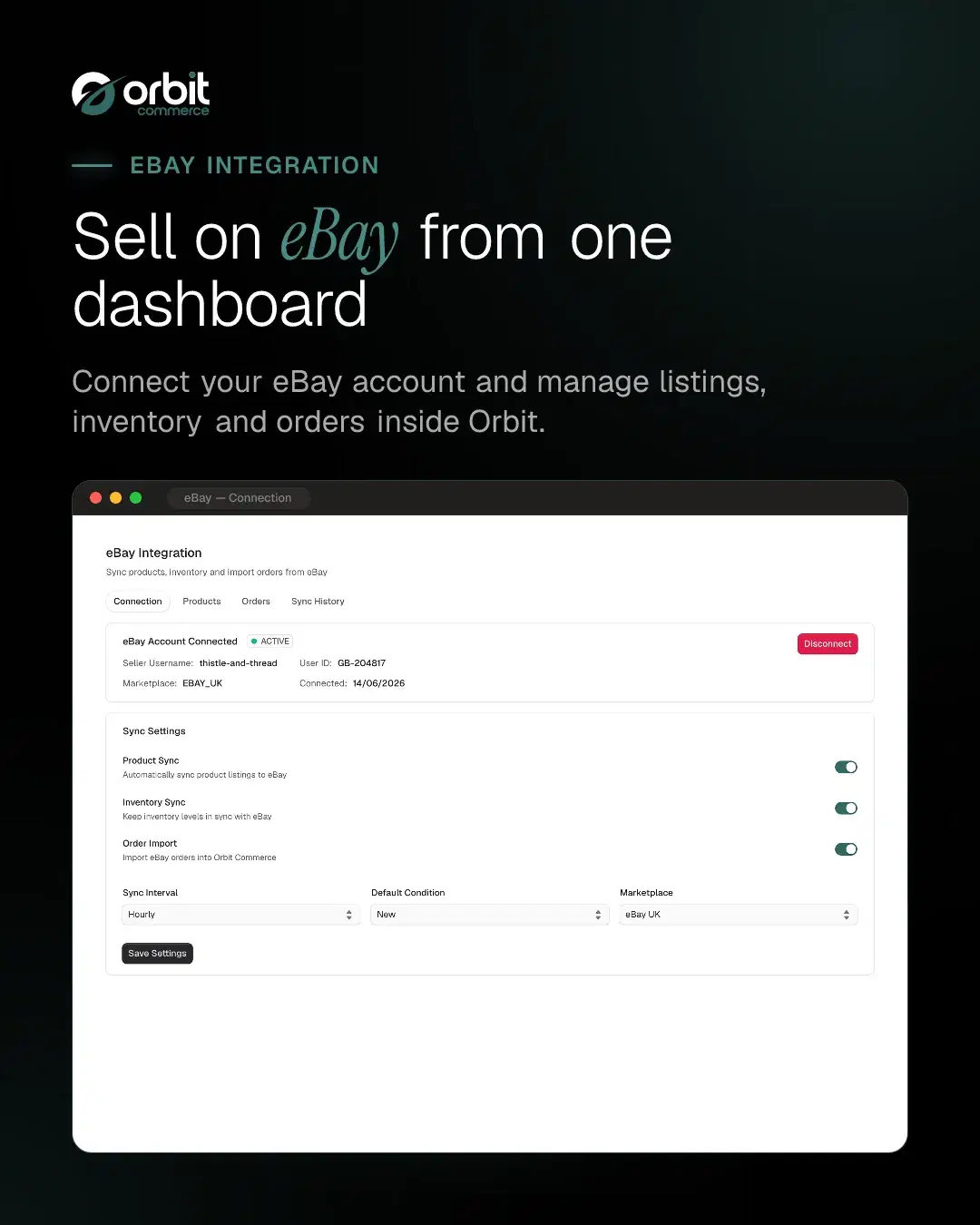
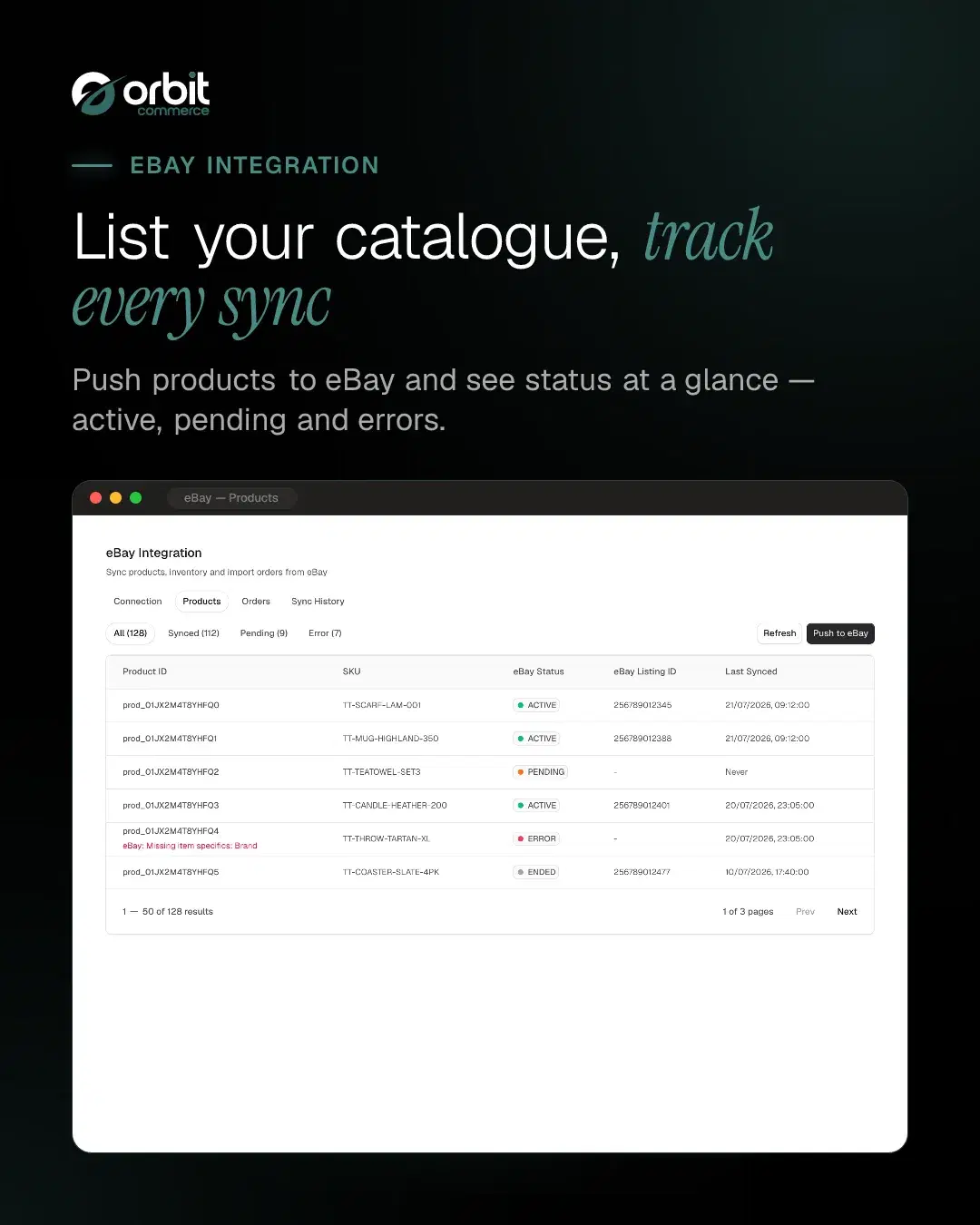
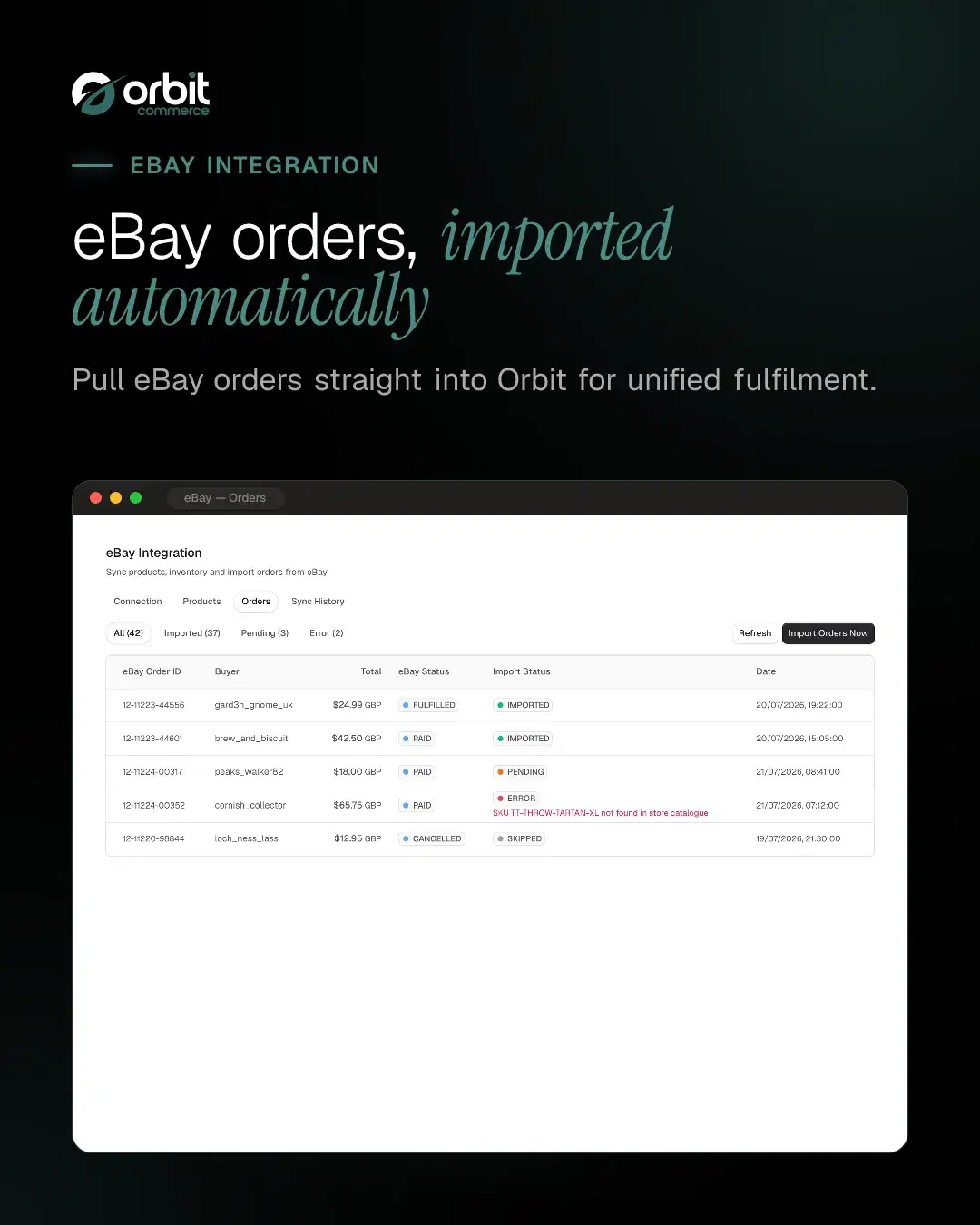
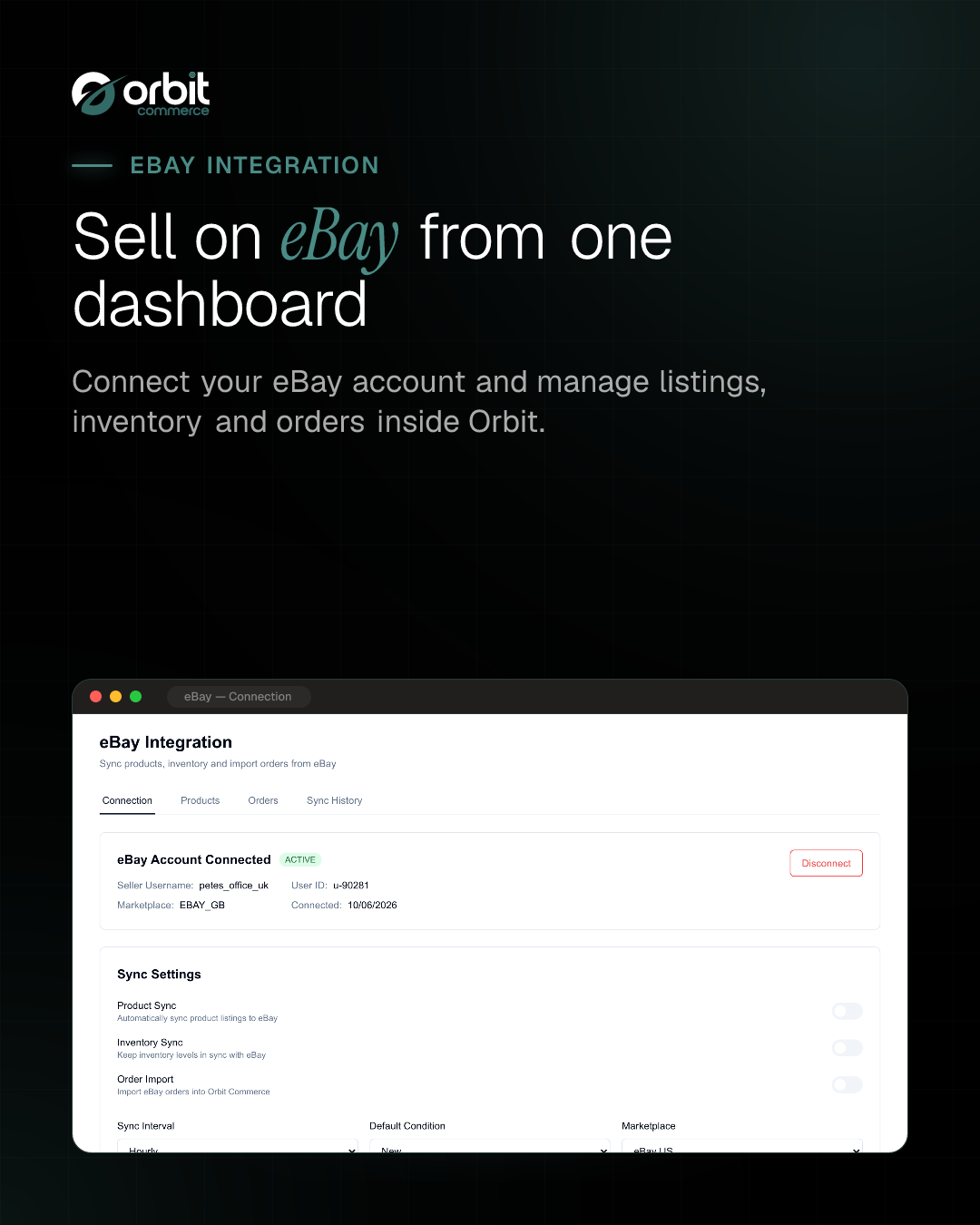
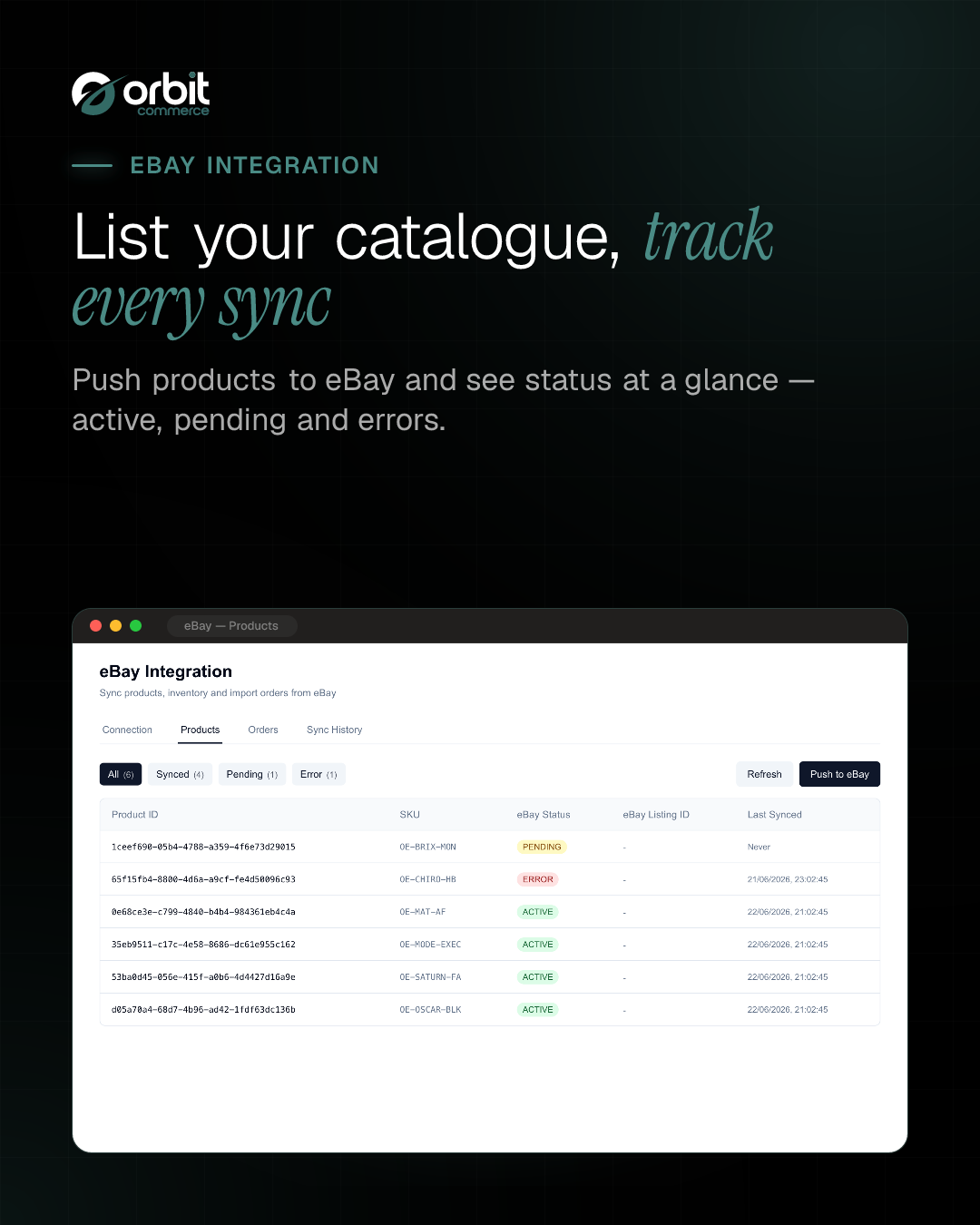
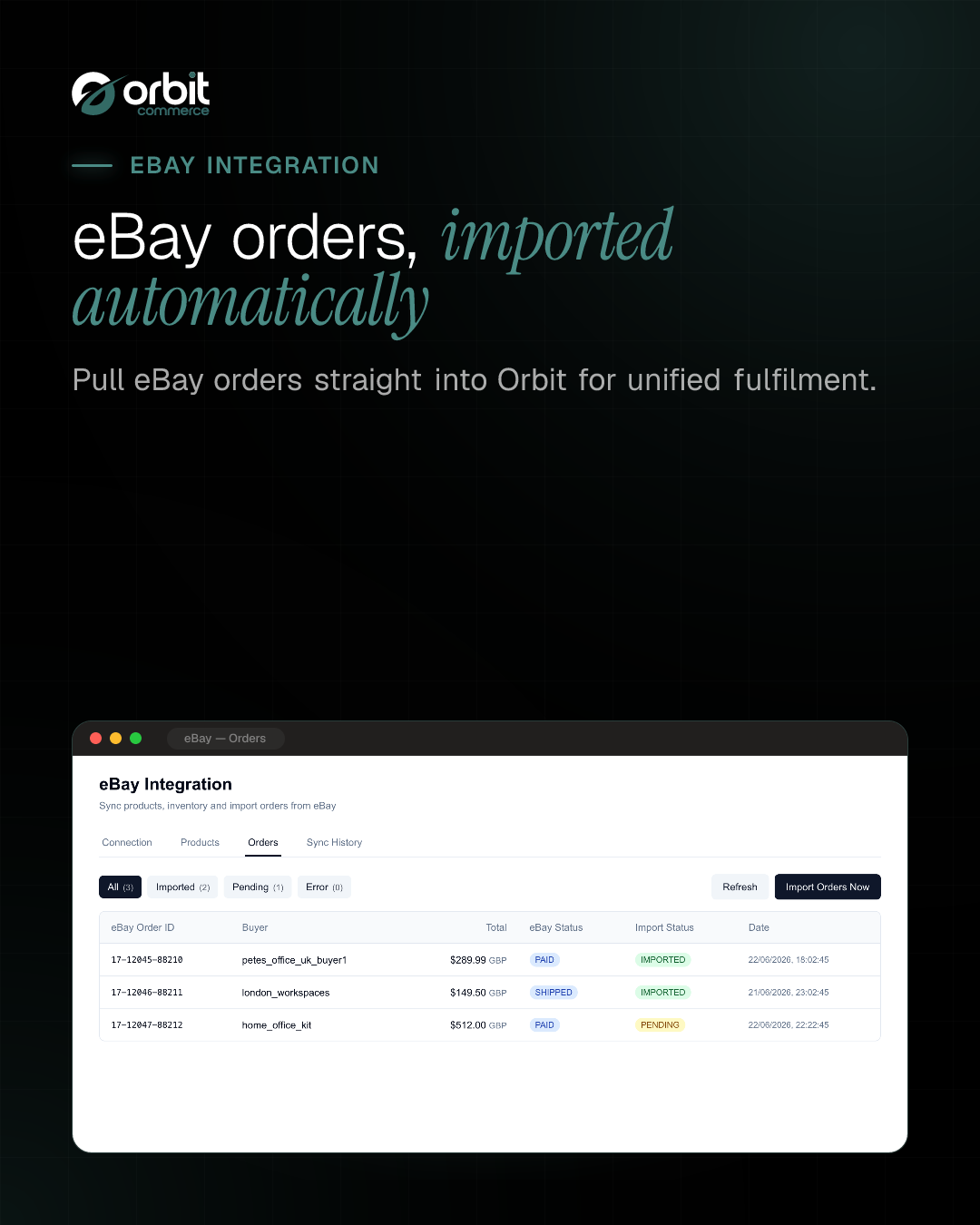
Connect your store to eBay and sync products, inventory, and orders seamlessly. Push product listings to eBay, keep stock levels in sync, and automatically import eBay orders into Orbit Commerce.
What you get
- eBay OAuth 2.0 connection
- Product sync (Orbit to eBay)
- Inventory & price sync
- Order import (eBay to Orbit)
- Default eBay category with per-product override
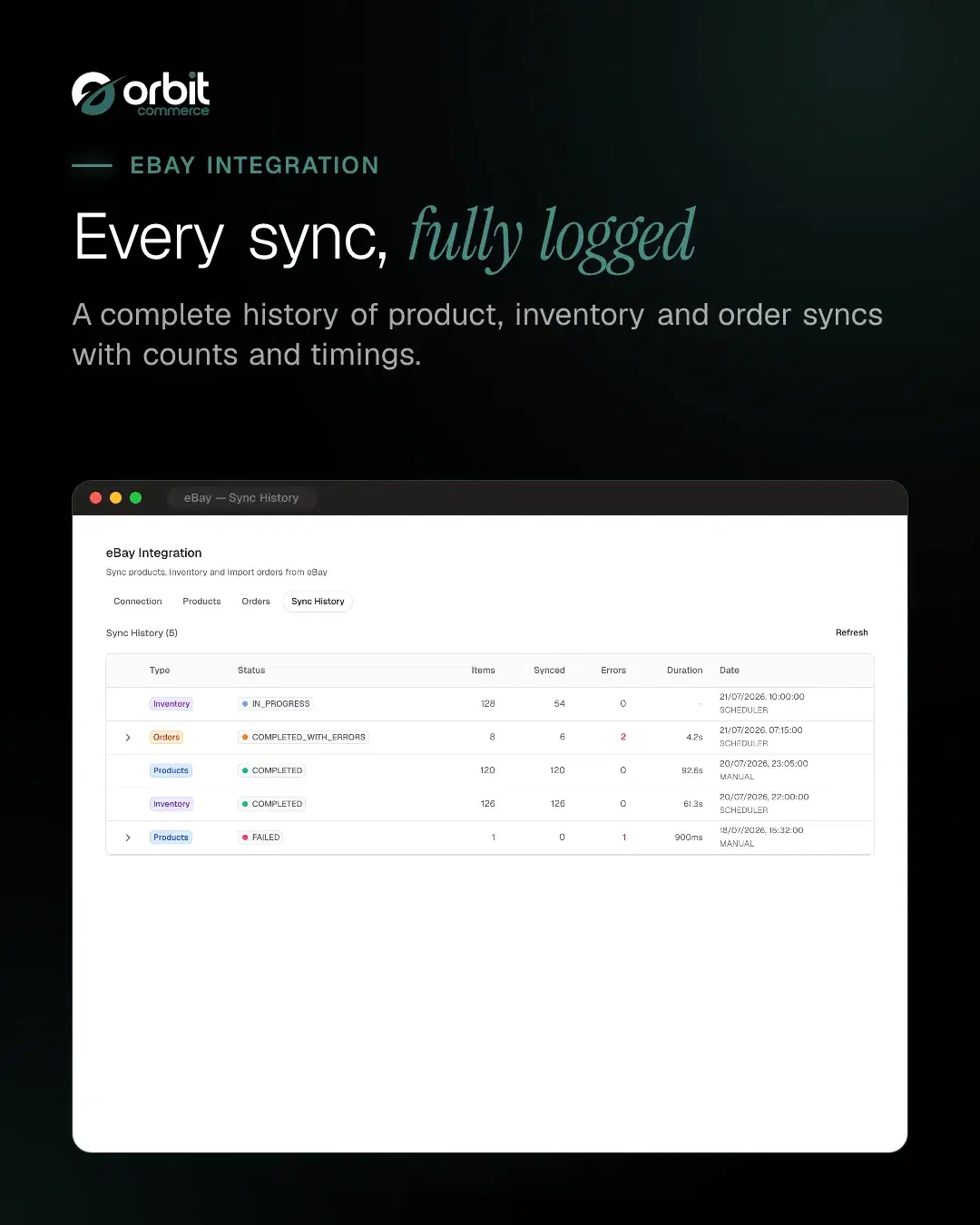
- Scheduled sync
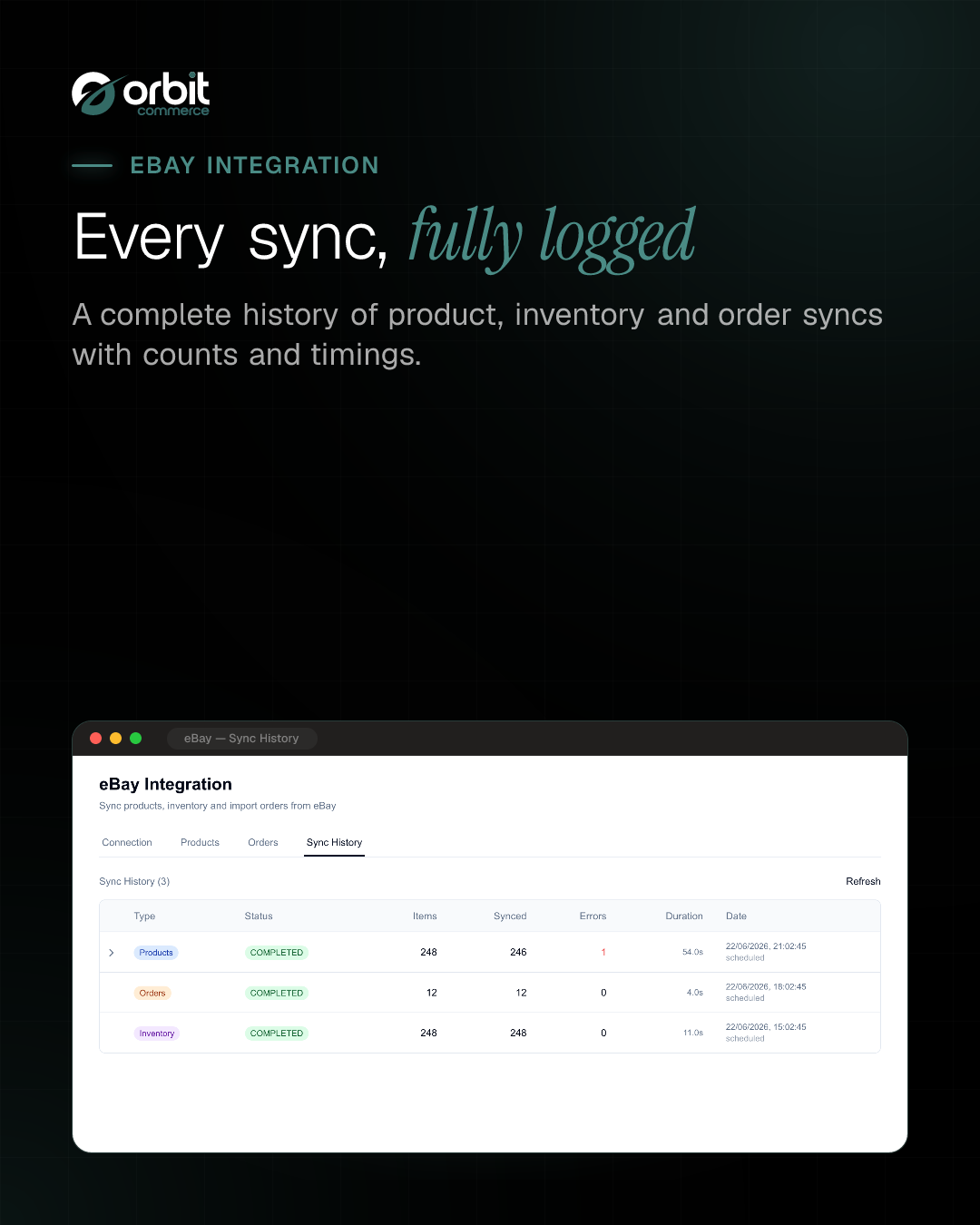
- Sync history & logs



Getting started
From the eBay Integration docs.
- Install the plugin. Find eBay Integration in the Orbit Commerce plugin store and install it. An eBay entry appears in your dashboard menu.
- Open the eBay section. Go to the eBay menu. The Connection tab opens first.
- Connect your eBay account. Select Connect to eBay. A secure eBay window opens asking you to sign in and authorise access to your seller account. Approve the request.
- Confirm the connection. Once authorisation completes, the window closes and the tab shows eBay account connected with your seller username, user ID and the date connected.
- Finish the listing setup. In the listing setup card, choose your ship-from location, your postage, payment and returns policies, and a default eBay category. If you do not sell on eBay UK, change Marketplace in Sync settings first, because changing it clears the policies.
What it can see and change
When you install eBay Integration, it asks to:
Read only
- See the products in your catalogue, with prices and stock
- See everything stored about one product and its variants
- See your orders, with their totals and status
- See one order in full, including the buyer and delivery address
- See the list of customers who have shopped with you
- See one customer in full, including their contact details and past orders
- See the classification tree you file products under
- See one entry in your product classification tree
- Read its own settings for your shop, including your store name, primary domain and live custom domains, storefront URL, geography and currencies, and the site verification codes on your storefront
Can make changes
- Add new products to your catalogue
- Change existing products, including their prices and whether shoppers can see them
- Create orders in your store, which takes the stock off your shelf and can send buyers their receipts and downloads
- Add customer records, including whether you may email them
- Change a customer record, including their email address, tax status and whether you may email them
- Change an order status, payment status and notes; marking one paid sends the buyer any downloads or licence keys on it
- Mark orders shipped and add tracking numbers, which emails the buyer unless you turn that off
Uninstalling removes its access.
Questions
More in Sales and conversion
Google Reviews
NewShow your Google Business rating and reviews on any page
Loyalty Points
Reward registered customers with points on every paid order, redeemable for products you choose
Orbit CRM
Pipelines, deals and customer timelines, right in your dashboard
3D Product Configurator
Interactive 3D product viewer that switches finish when shoppers pick an option
Product Sheets
Branded PDF spec sheets and catalogues your customers can download
Amazon Integration
List your products on Amazon and import your Amazon orders




Open your shop. Add eBay Integration.
Every plan starts with a two-week trial, and plugins install on any plan, so eBay Integration can be there from day one.