
Facebook Catalog Feed
List your products on Facebook & Instagram with automated CSV feeds
Made by Orbit Commerce, built, supported and billed by Orbit
Opens your Orbit dashboard to confirm.
No card needed for the trial. If you do not subscribe when it ends, you are not charged and it goes back to the free plan.
No Orbit store yet? Start for free
- Free trial
- 14 days
- on paid plans
- After install
- Facebook Catalog Feed
- in your dashboard menu
- Listed
- Mar 2026
- version 1.0.0
About
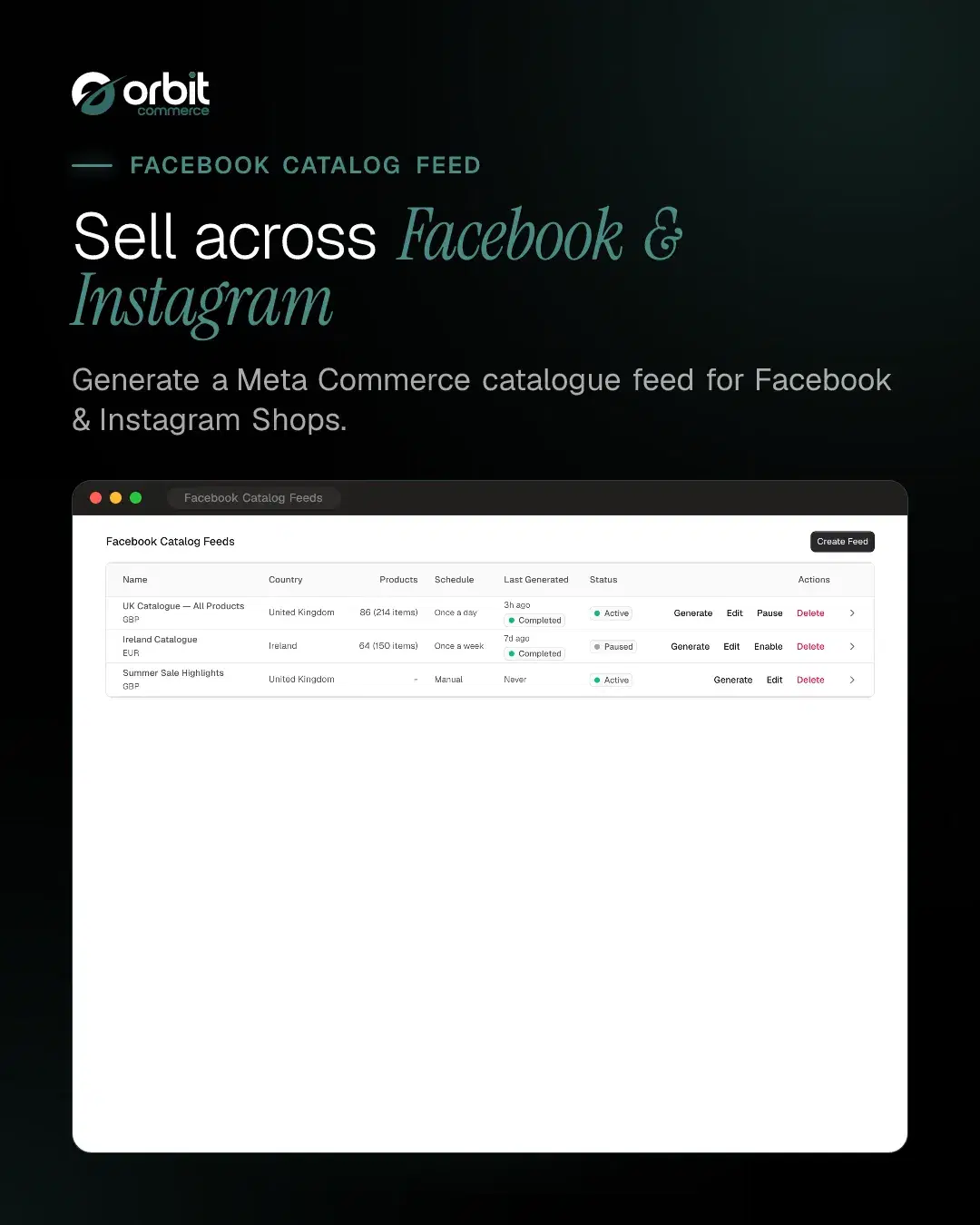
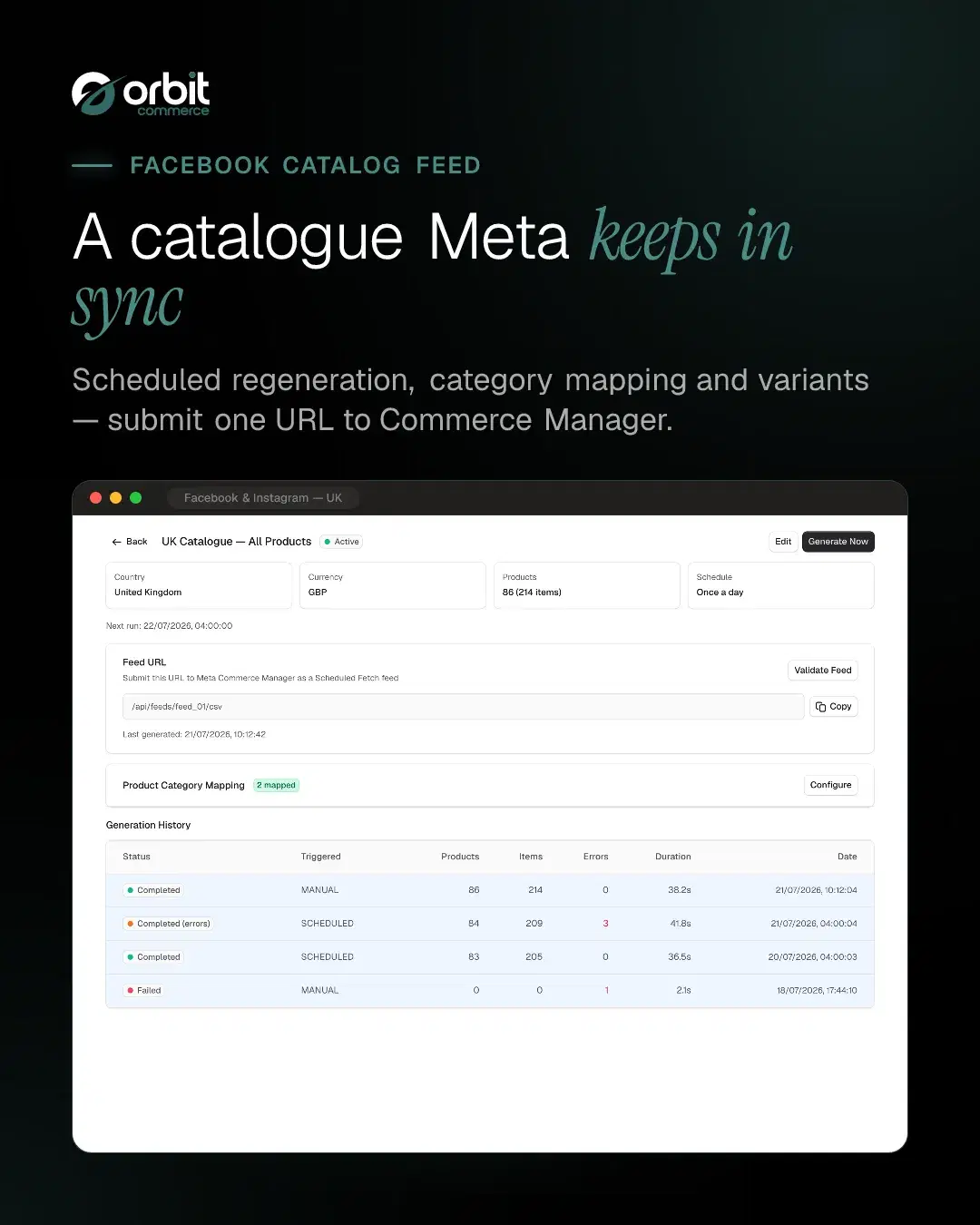
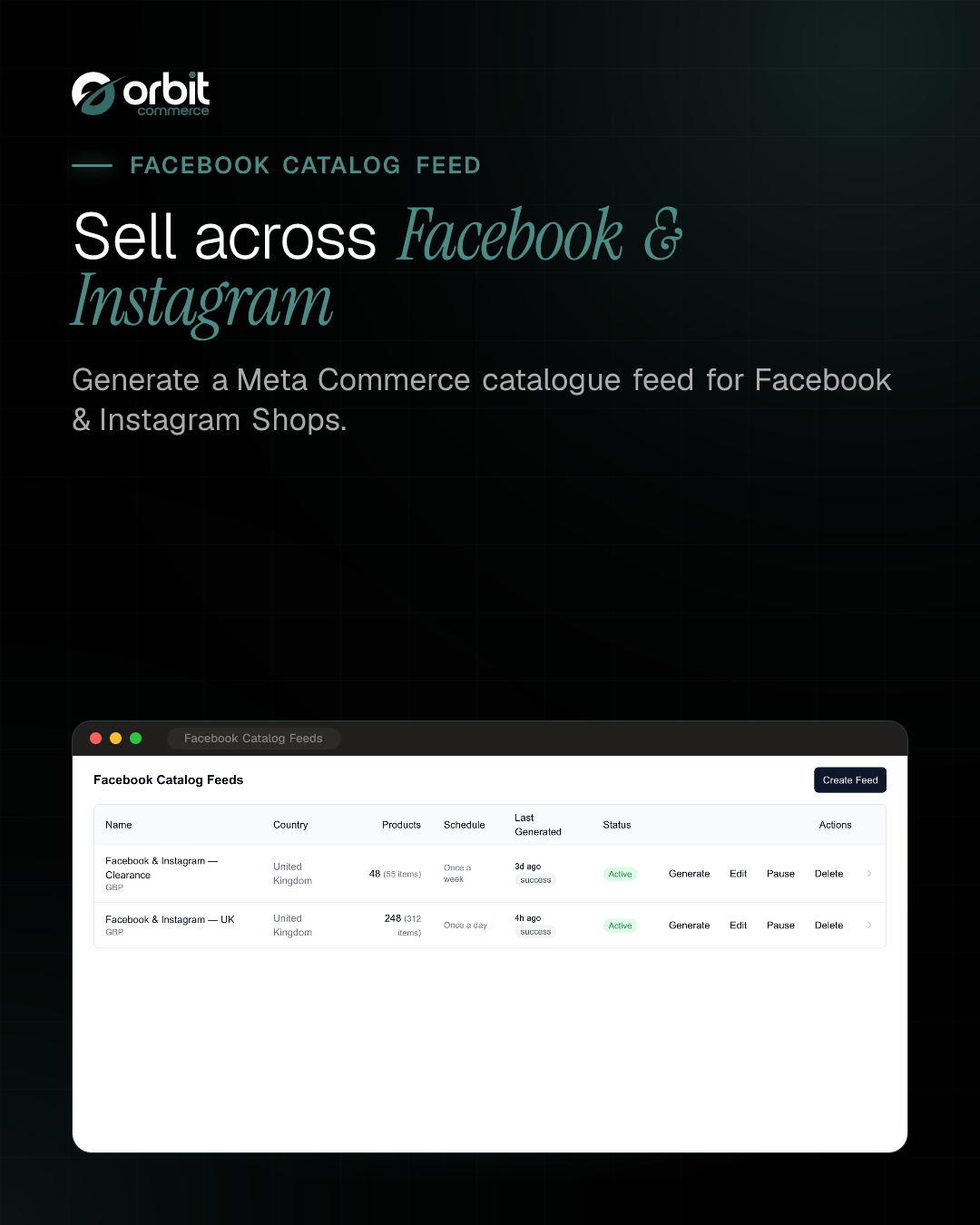
Generate Facebook catalogue CSV feeds for Meta Commerce Manager. Products are automatically formatted as CSV with Meta-required columns, ready for scheduled fetch by Meta. Supports variant expansion, category mapping, colour, size and material extraction, and feed validation.
What you get
- Facebook catalogue CSV feed
- Meta Commerce Manager compatible
- Variant expansion (item_group_id)
- Product category mapping
- Colour / size / material from variant options
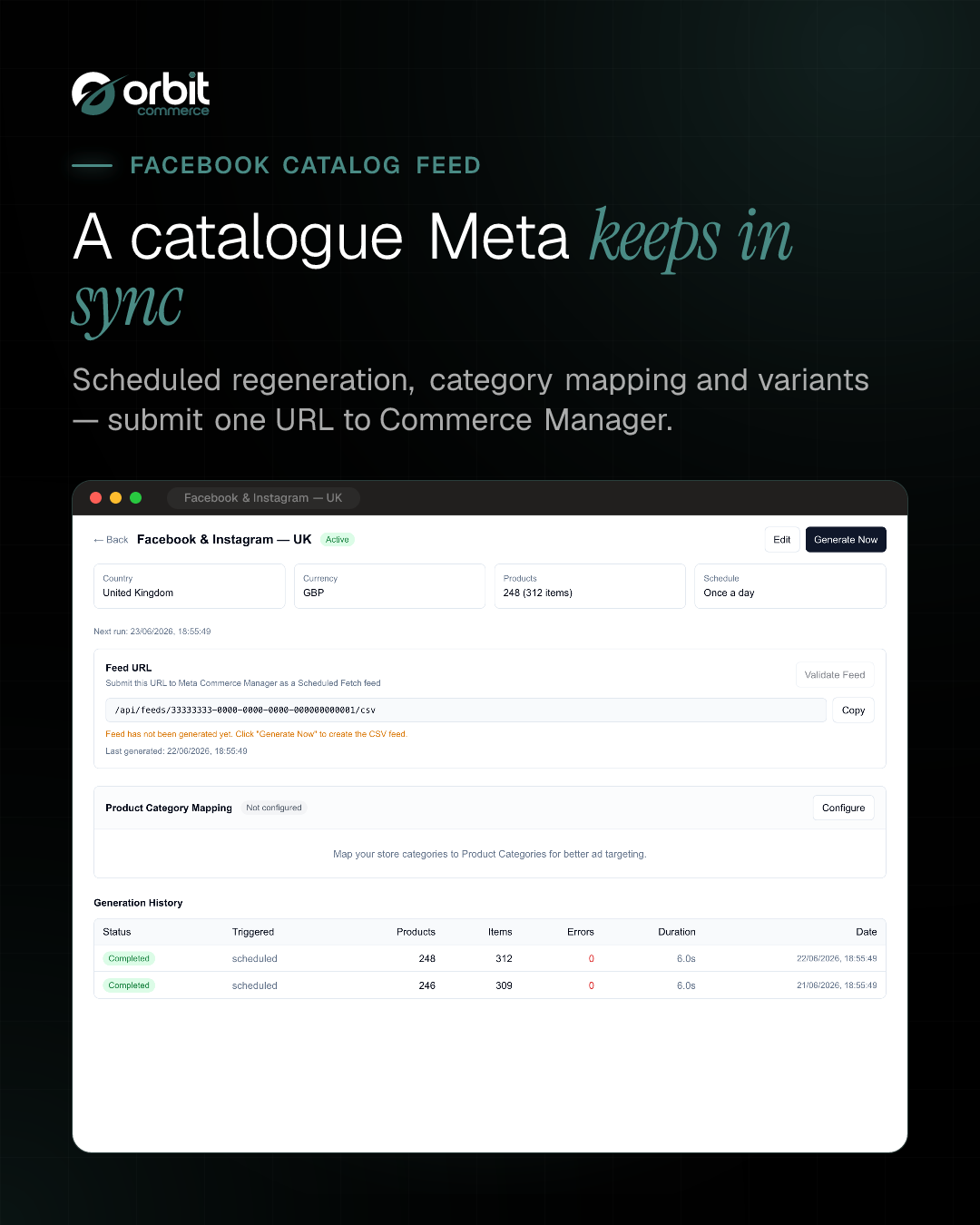
- Scheduled feed generation
- Feed validation
- Public CSV endpoint for Meta fetch





Getting started
From the Facebook Catalog Feed docs.
- Install the plugin. Open your Orbit Commerce dashboard, go to the plugin store and install Facebook Catalog Feed. Once installed it appears in the sidebar as Facebook Catalog Feed.
- Open the plugin and create a feed. Select Create Feed. Give it a recognisable name, for example your store or market name.
- Set the feed details. Choose your target country, content language and currency, and enter your Storefront URL so product links resolve correctly. Optionally set a default brand and adjust the product filters.
- Map your categories (recommended). Open the feed, select Configure under Product Category Mapping and match your store categories to product categories.
- Turn on a schedule (optional). Enable scheduled generation and pick an interval so the feed is rebuilt automatically. The intervals you can choose depend on your plan.
What it can see and change
When you install Facebook Catalog Feed, it asks to:
Read only
- See the products in your catalogue, with prices and stock
- See everything stored about one product and its variants
- See the classification tree you file products under
- See one entry in your product classification tree
Uninstalling removes its access.
Questions
More in Marketing and SEO
Product Reviews
Add customer reviews and ratings to boost trust and sales
Form Builder
Drag-and-drop forms: contact, surveys, registrations, file uploads and more
Calculator Builder
Build interactive calculators that give visitors instant answers
Pinterest Catalog Feed
List products on Pinterest with catalogue data-source feeds
Microsoft Merchant Feed
List products on Bing Shopping with Microsoft Merchant feeds
Snapchat Catalog Feed
Snapchat catalogue feeds for Dynamic Product Ads
Google Shopping Feed
List your products on Google Shopping with automated XML feeds





Open your shop. Add Facebook Catalog Feed.
Every plan starts with a two-week trial, and plugins install on any plan, so Facebook Catalog Feed can be there from day one.